Administration
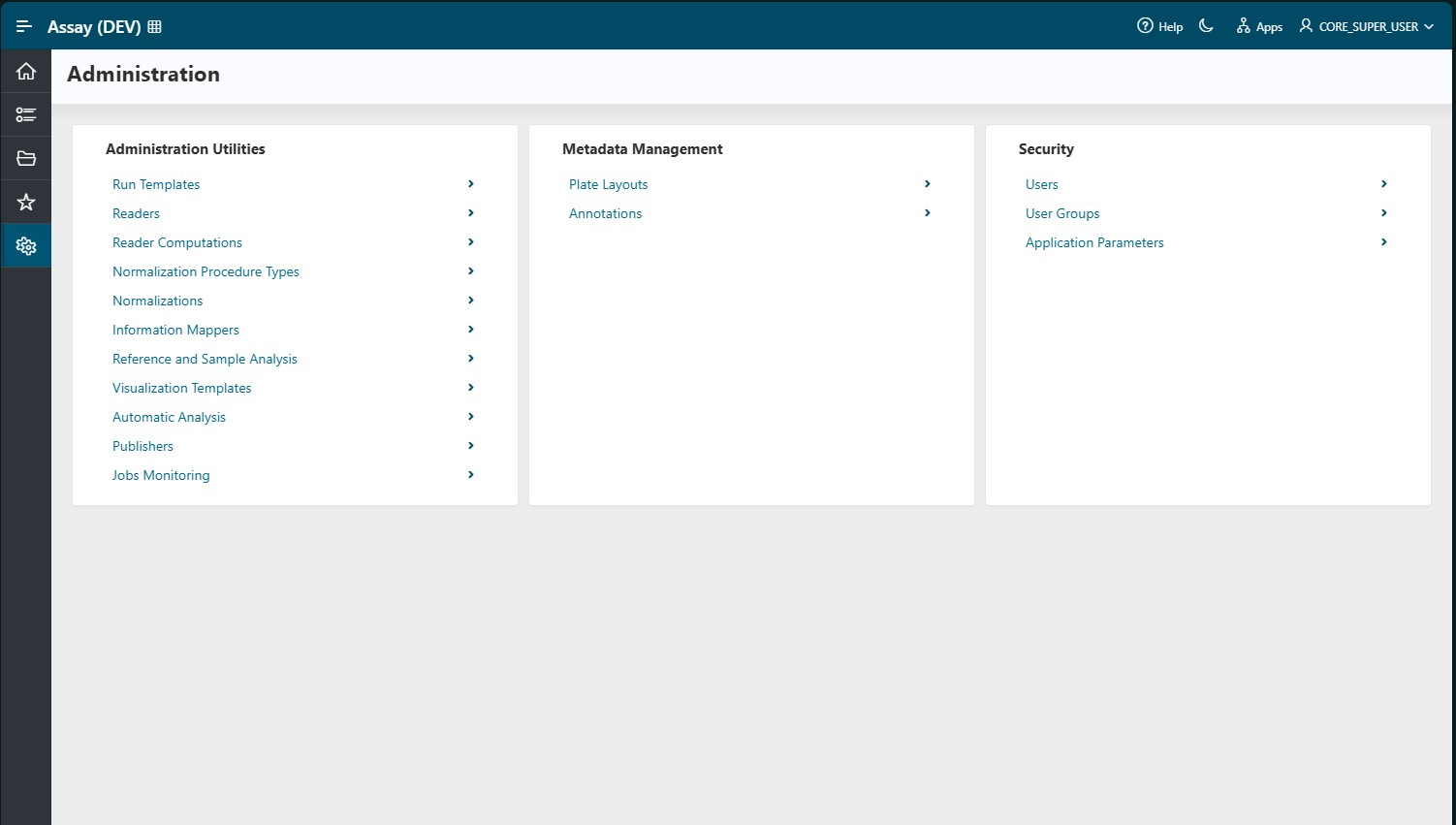
As an administrator, you can manage the configuration of the Assay application. The Administration tab includes the following features:
- Administration Utilities – Manage readers, normalization procedures, sample and reference analysis options, visualization templates, and publishers
- Metadata Management – Manage plate layouts (including well types) and annotations
- Security – Manage users, user groups, and assay parameters
Warning
You cannot create a new reader, reader computation, normalization, information mapper, or post-transformation independently, as the code must be reviewed for security purposes. The Discngine team can review and integrate your Python or R scripts into the application. Please contact the team if needed.
Administration Utilities
Info
Administration Utilities are only available to users with the following roles: Assay Layout Designer, Core Administrator, or Assay Administrator.
Run Templates
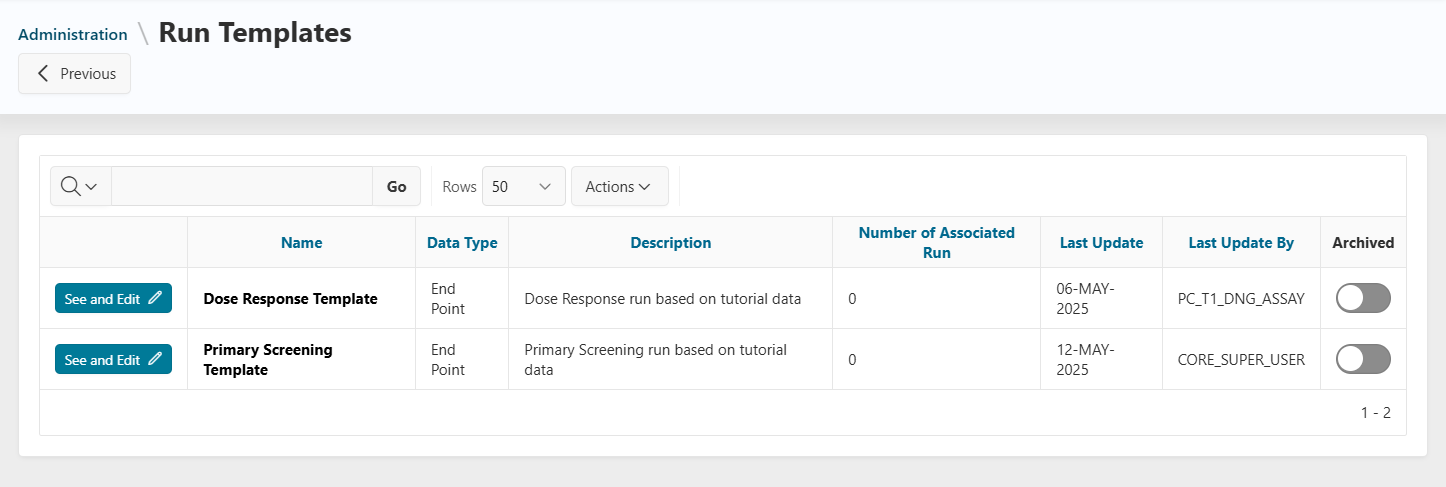
All published run templates are displayed on this page.
- Use the
Is Archivedswitch to archive or unarchive a run template.
Readers
All available readers (for file import) are listed here. Readers can be implemented in various languages (Python, R, Oracle PL/SQL, Biovia Pipeline Pilot, etc.).
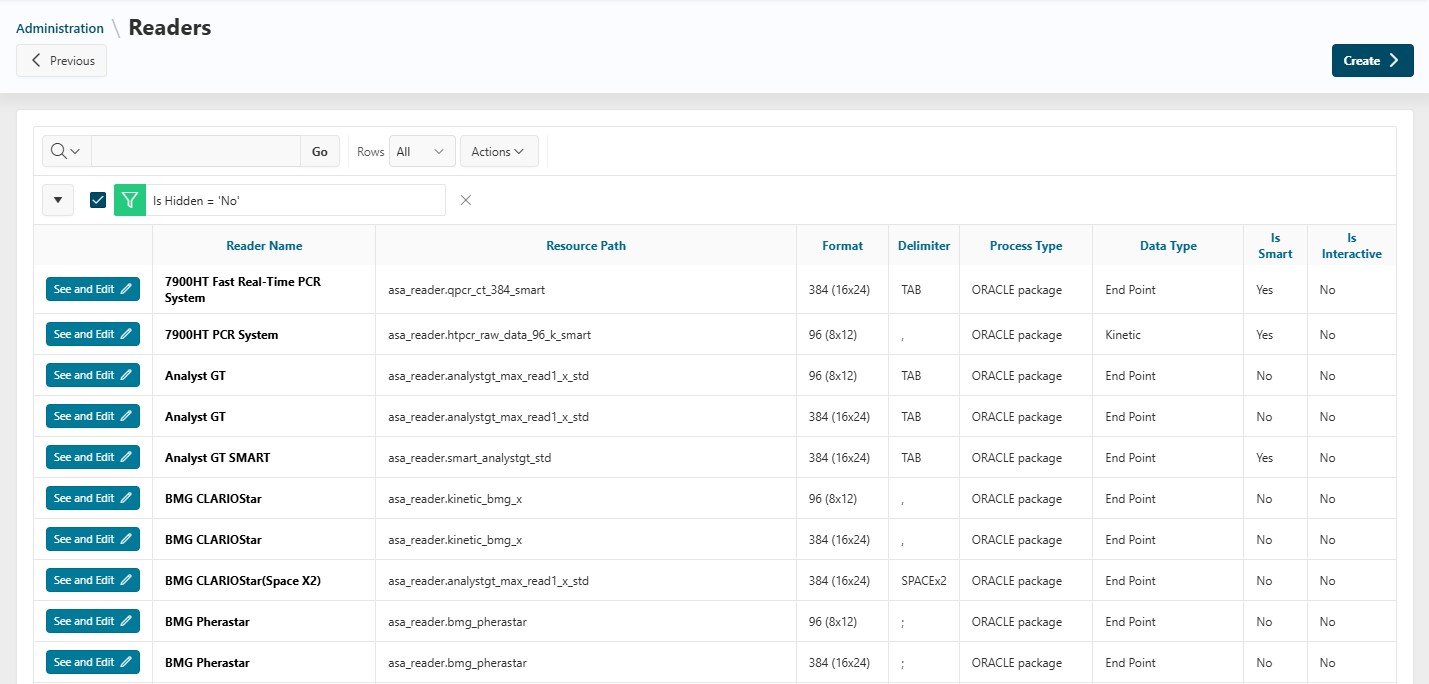
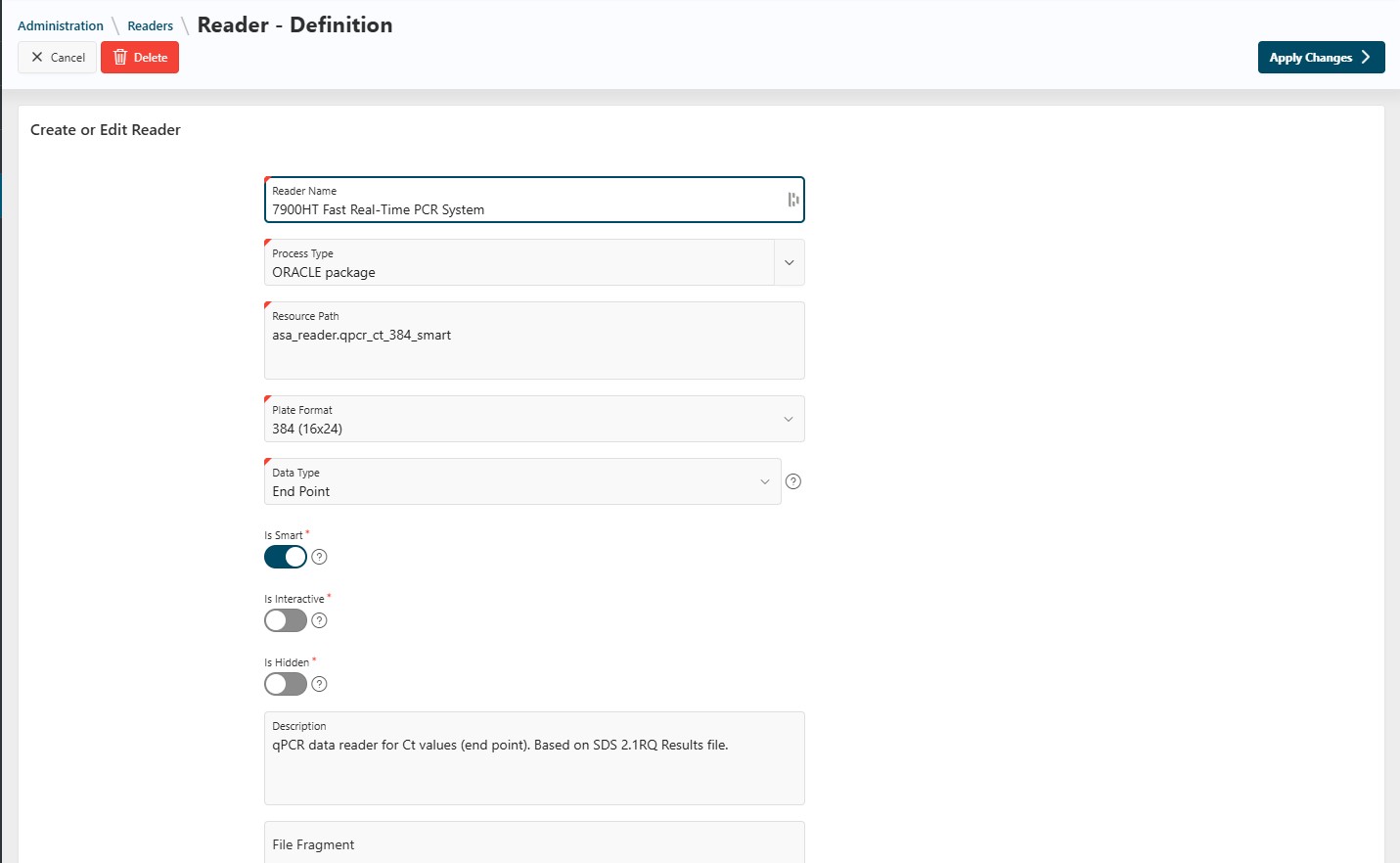
- Click the
See and Editbutton to update reader details, such as:- Name
- Associated plate format
- Availability in the application
Reader Computations
Info
Reader computations are only relevant for HCS runs.
A reader computation transforms data stored in a "field" (part of a well) into data linked to the well itself. For example, you can sum the number of cells in each field of a well to associate this value with the well.
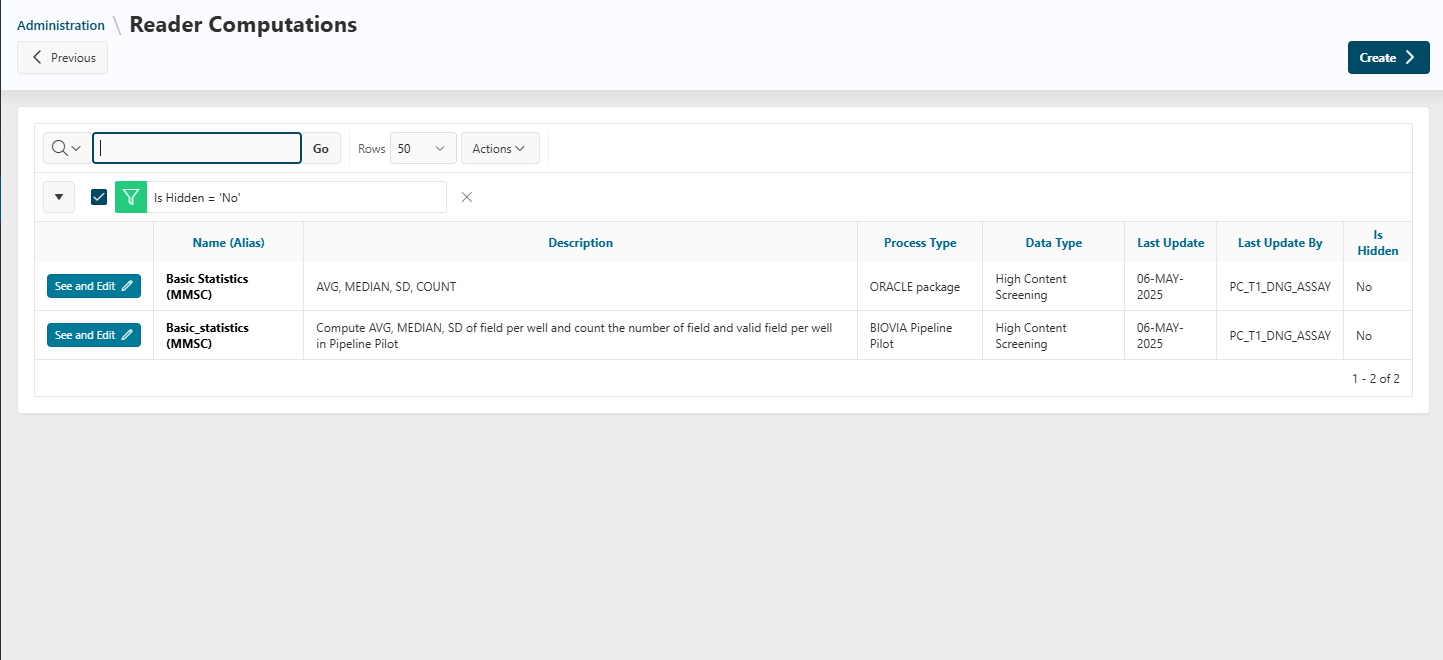
Update the name and visibility of a reader computation by clicking the See and Edit button.
Normalization Procedure Types
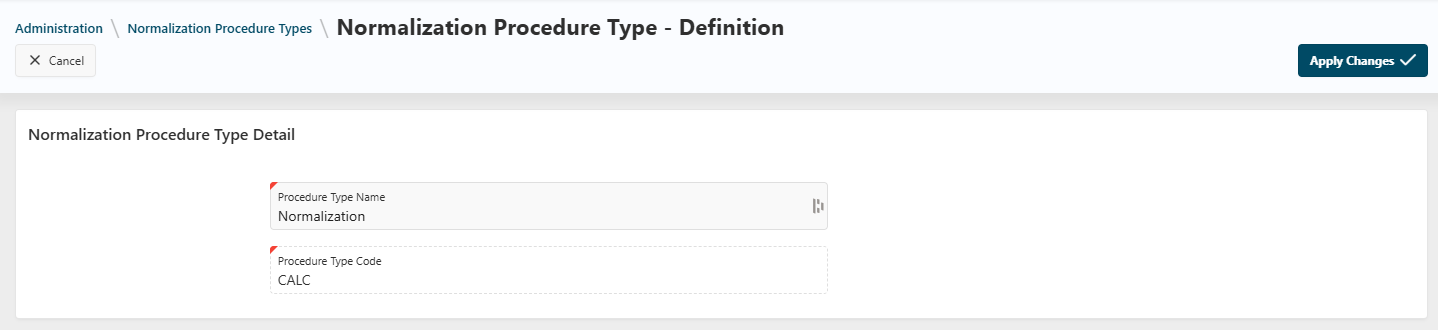
View all normalization types available in the application. You can edit or create new normalizations using the Edit and Create buttons.
Normalizations
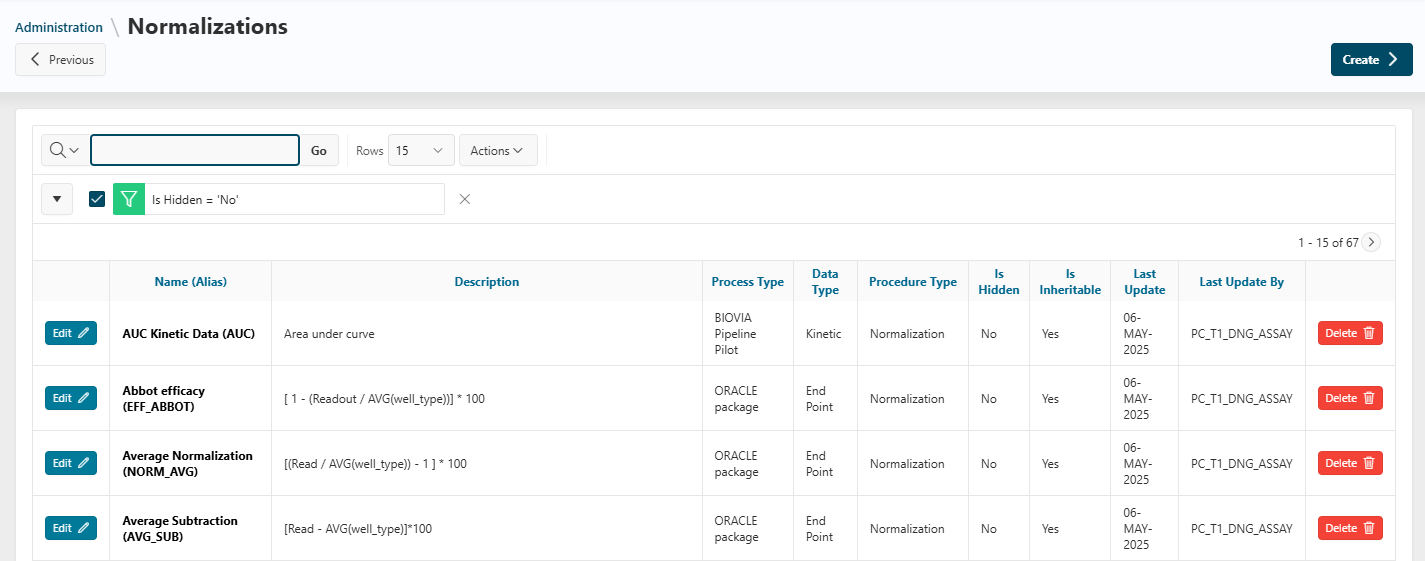
A normalization is a calculation performed within the application. View all available normalizations here. Edit visibility with the Edit button, or delete a normalization (if never used) with the Delete button.
Information Mappers
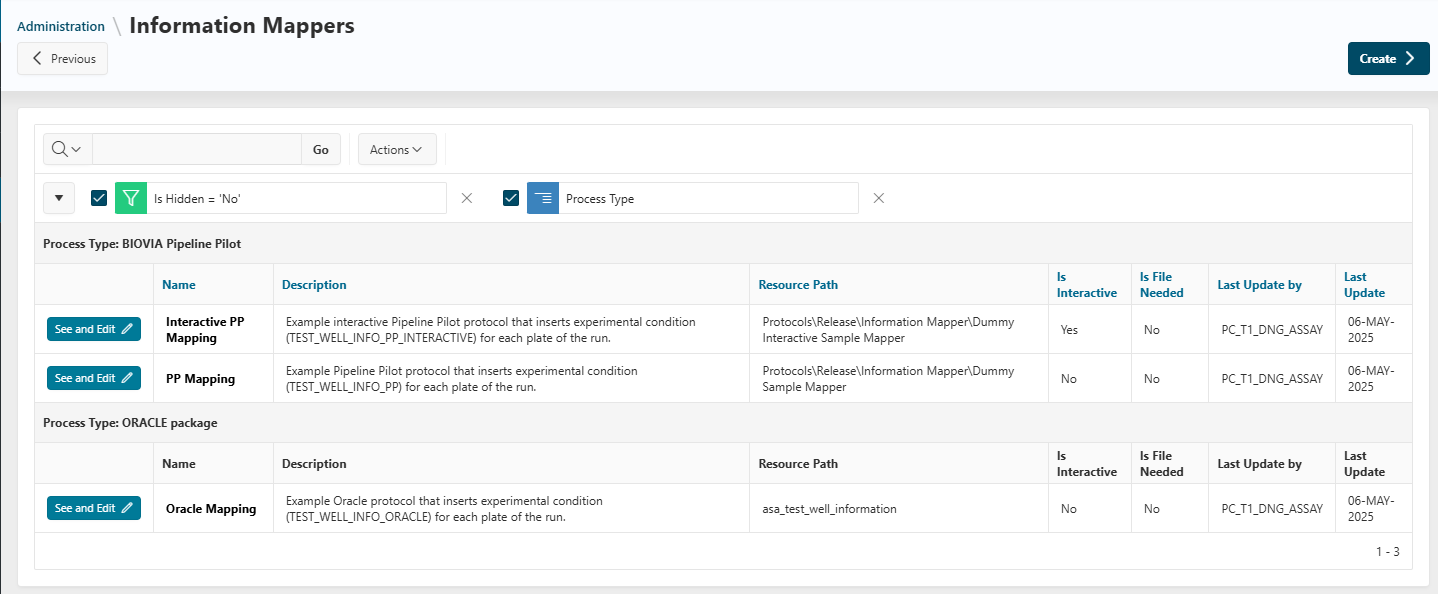
Information mappers allow users to define experimental conditions interactively. All available mappers are listed here. Click See and Update to modify the name of an information mapper.
Reference and Sample Analysis
All available analyses for reference and sample analysis steps are described here.
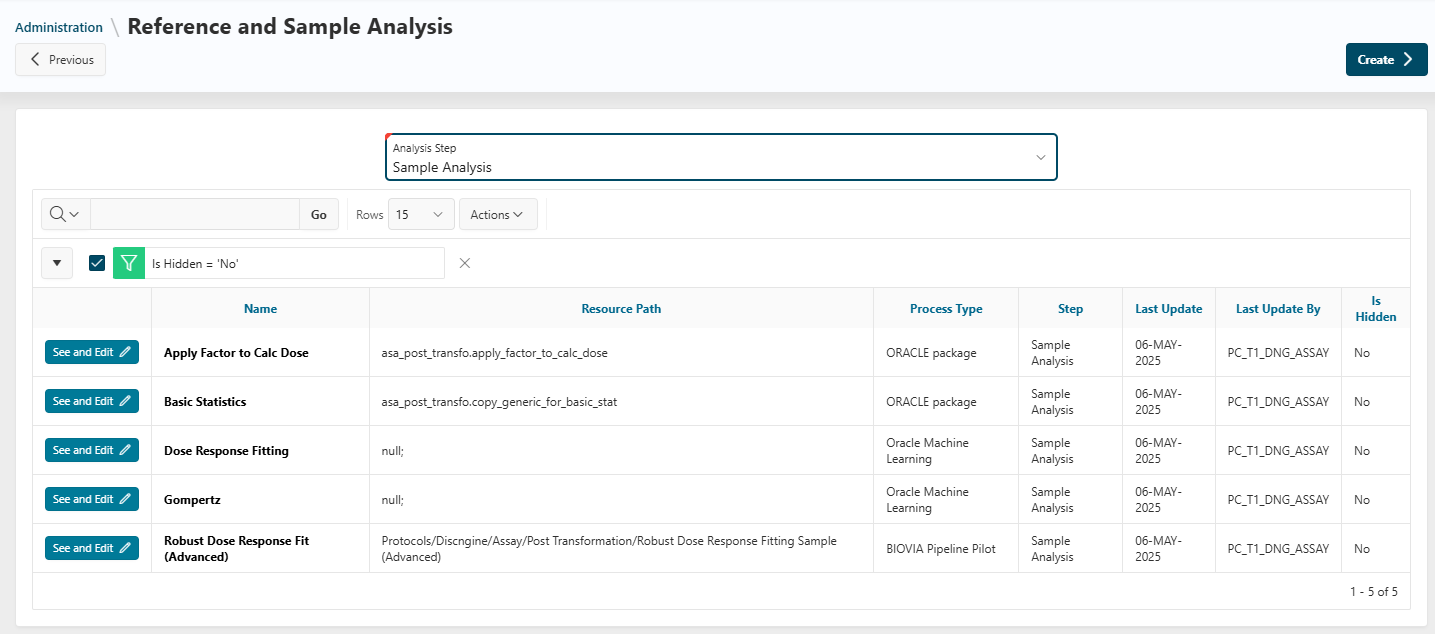
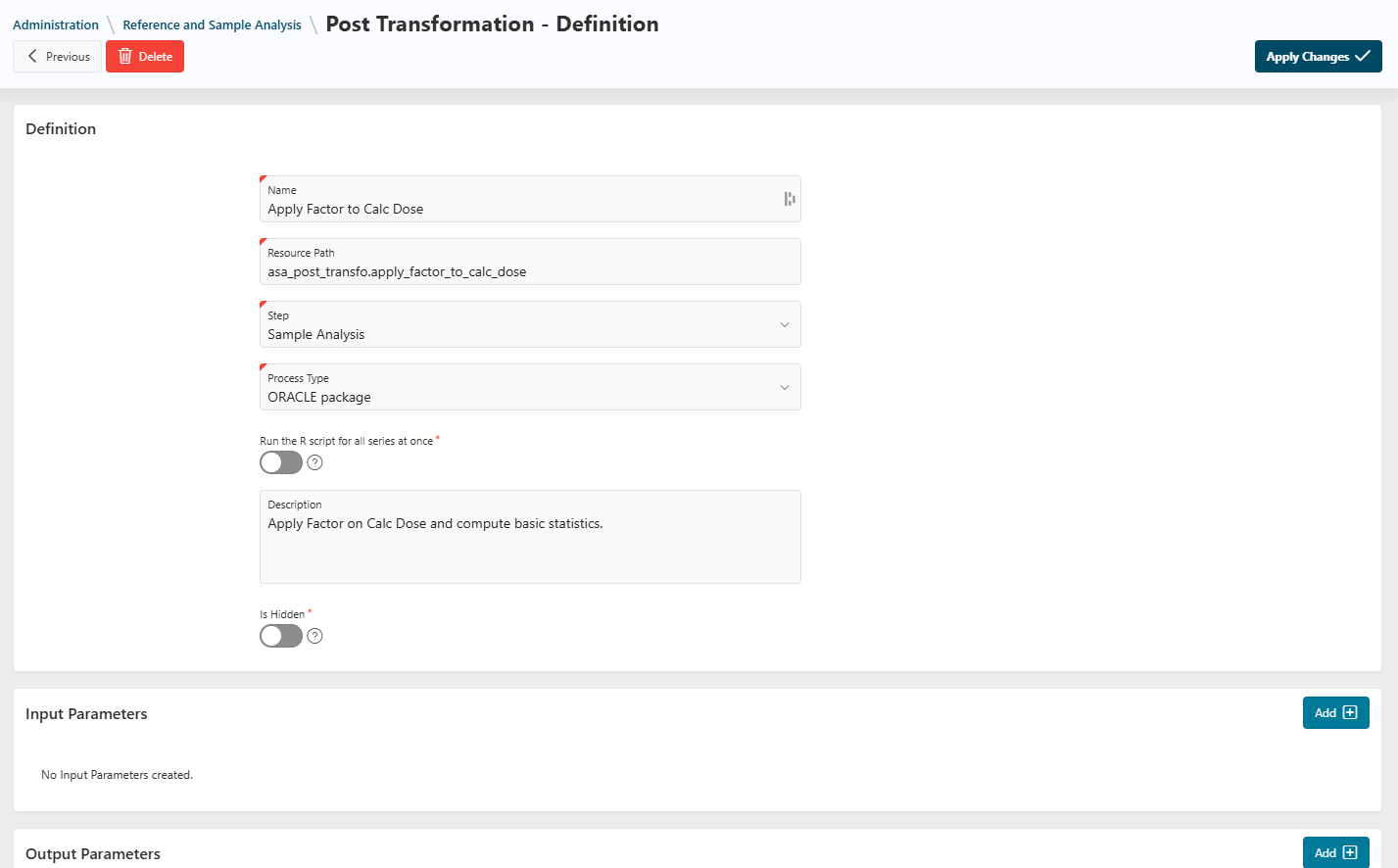
Update the name and visibility of an analysis by clicking the See and Edit button.
Visualization Templates
Info
For instructions on creating visualization templates, see this documentation.
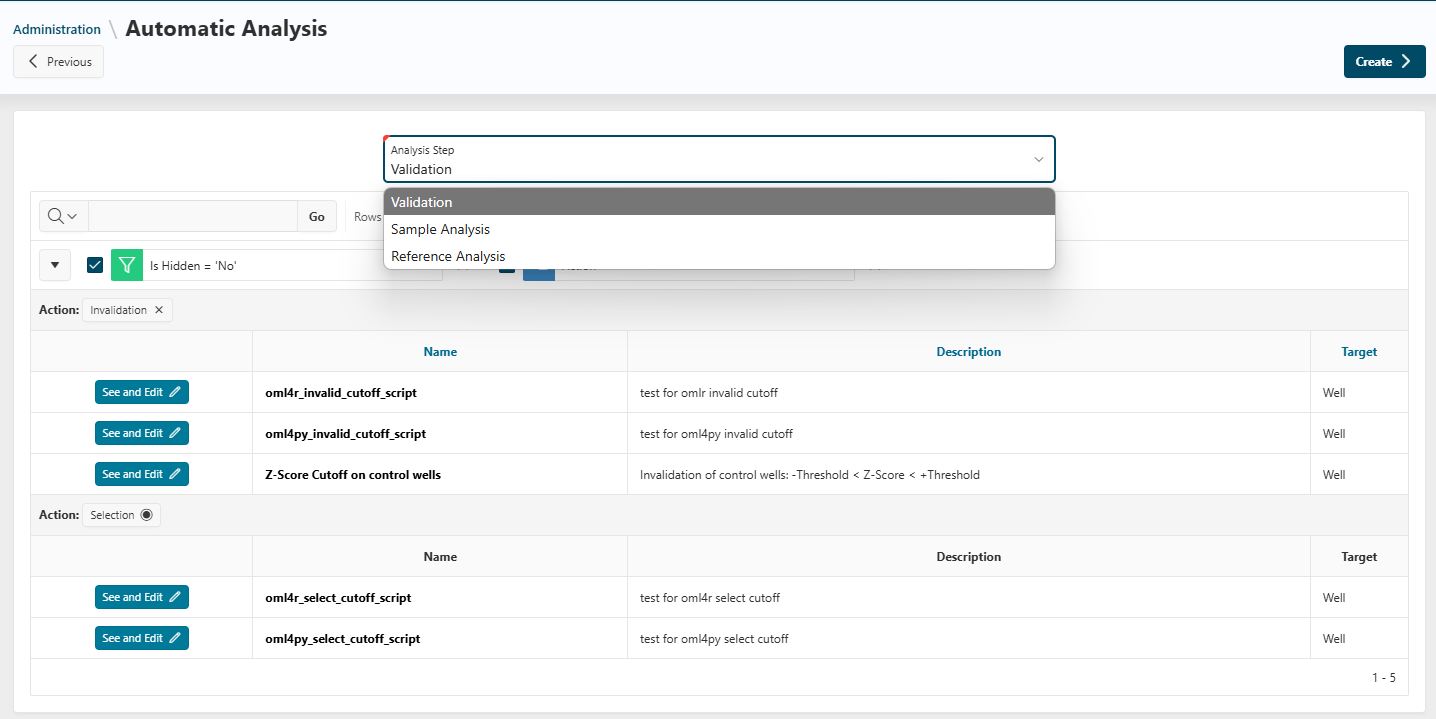
Automatic Analysis
Jobs Monitoring
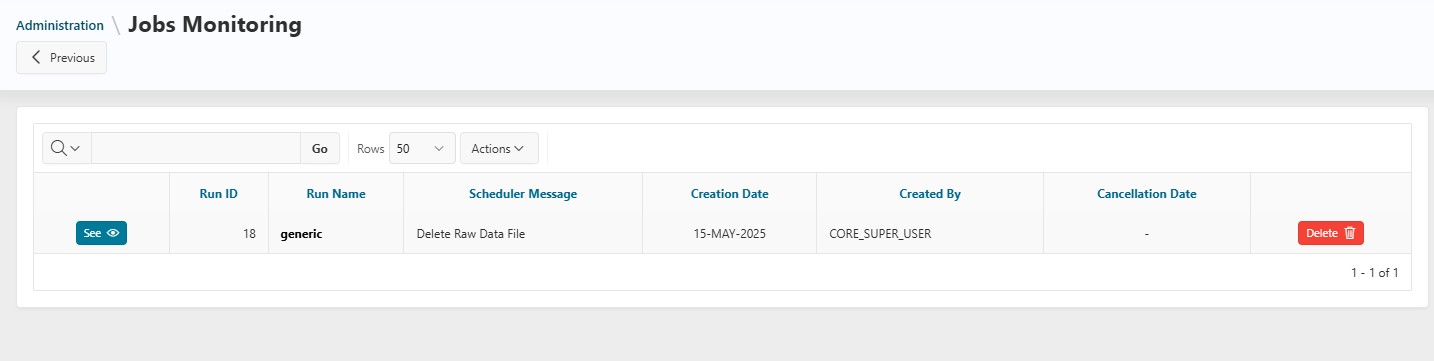
When an action is performed in a run, an asynchronous job is launched. All jobs are displayed on this page. Available actions:
See: View job detailsDelete: Delete a running job (data will be rolled back to the state before the job was created)
Danger
If you encounter any issues or have any doubts, please contact Discngine support.
Metadata Management
Info
Metadata management is only available to users with the Assay Layout Designer role.
Plate Layouts
This redirects you to the Reference Data administration. For details, see Plate Layouts documentation.
Annotations
This redirects you to the Reference Data administration. For details, see Annotations documentation.
Security
Info
The Security tab is only available to users with the Assay Layout Designer role.
This section allows you to manage users, user groups, and application parameters.