Create or Delete an Experiment
Create a New Experiment
Info
To create or delete an experiment, you need to have the Warehouse Publisher role.
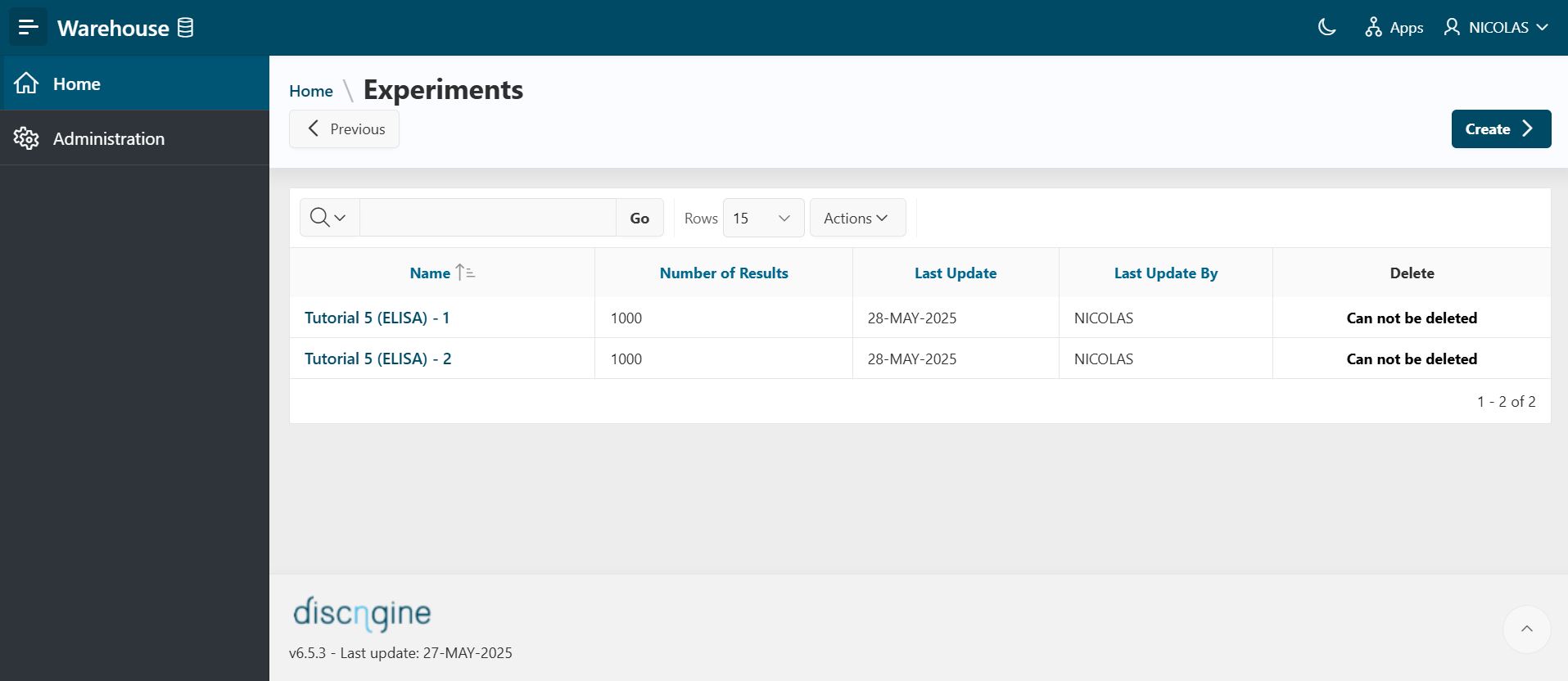
- To create a new experiment, click the
Createbutton.
Experiment and Protocol
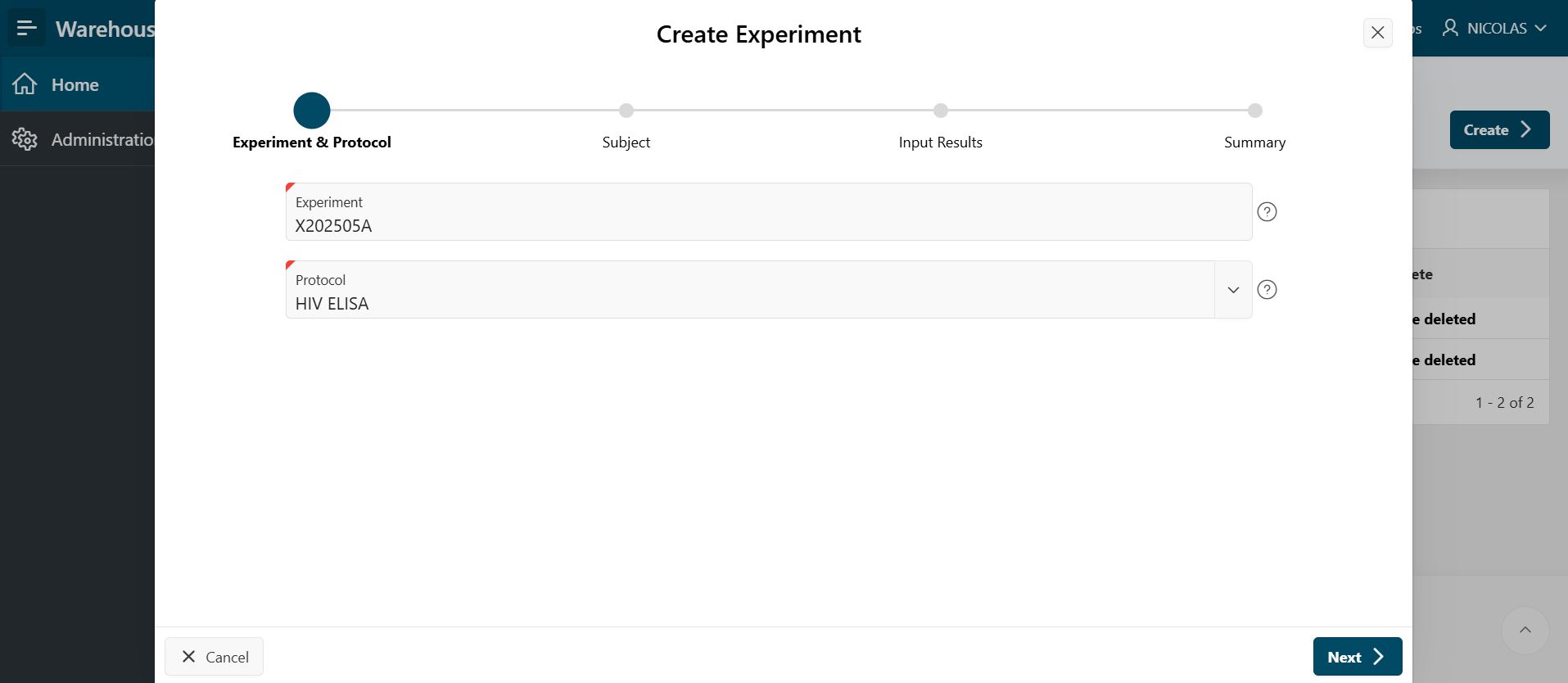
- Fill in the Experiment & Protocol section by providing the following information:
- Experiment: Enter the name of the experiment.
- Protocol: Select the protocol.
- Click
Next.
Subject
- Fill in the Subject section by providing the following information:
- Subject Type: Select the subject type.
- Subject Name: Enter the subject's name for the experiment.
- Click
Next.
Input Results
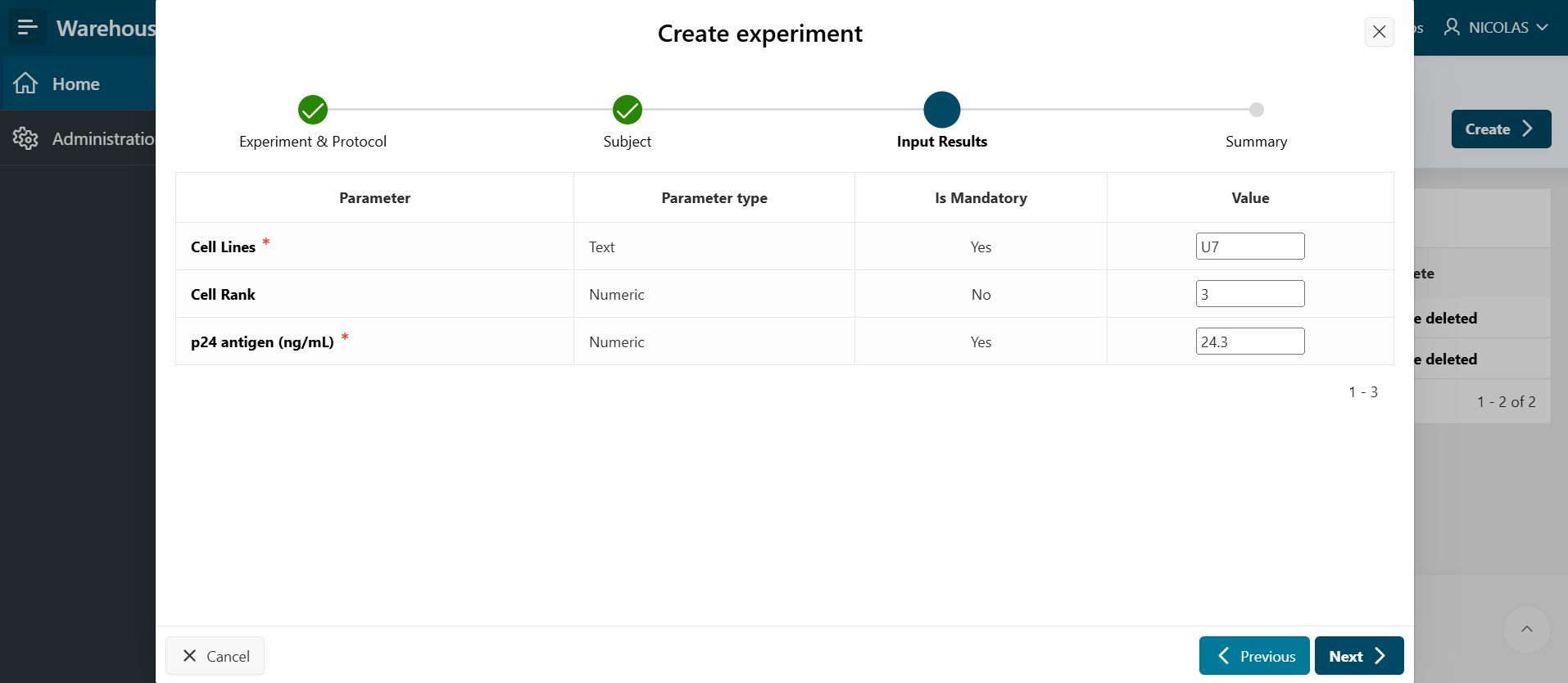
- Fill in the Input Results section by providing the following information:
- Parameter value(s) – Enter parameter value(s), if the input parameter is mandatory.
- Click
Next.
Summary
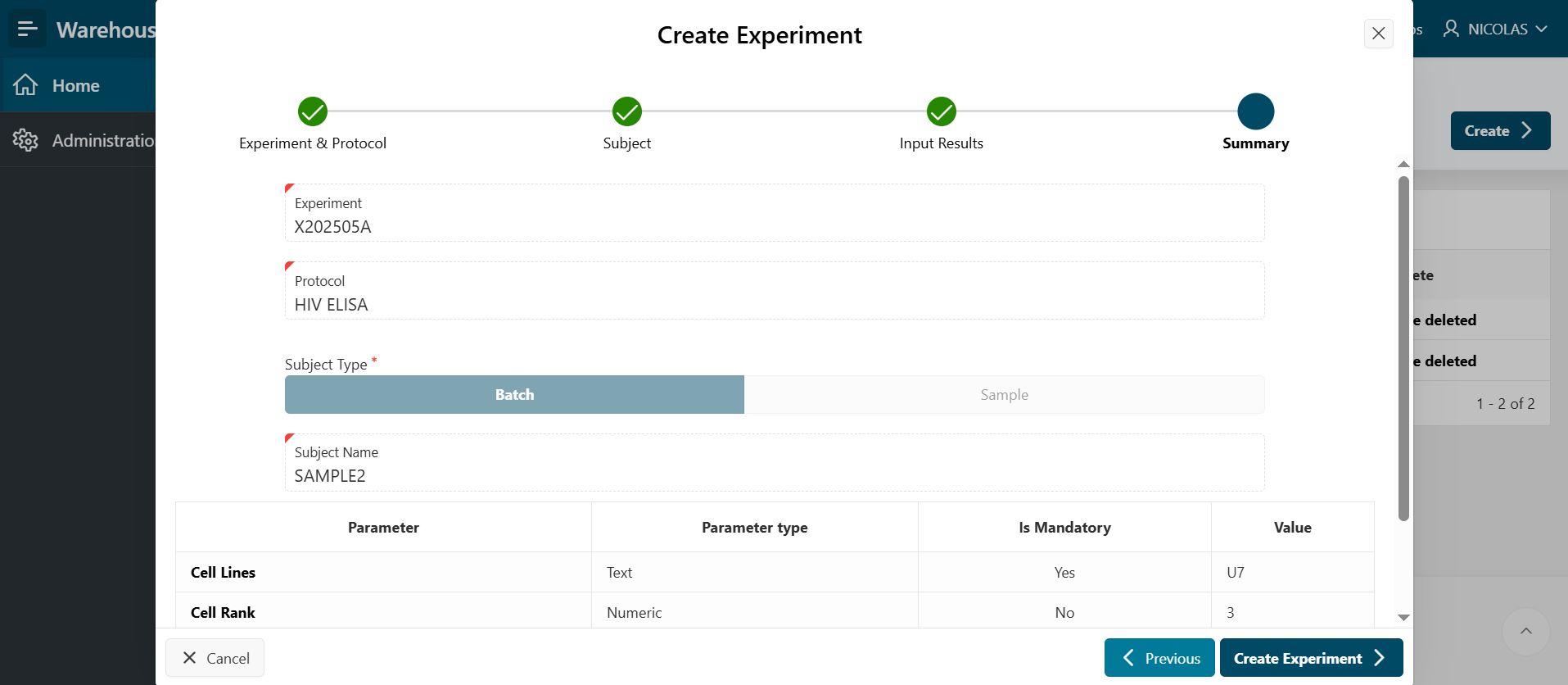
On the Experiment Summary page, you can review your experiment protocol, subject, and results. Click the Create Experiment button to create your experiment.
Delete Experiment
To delete an experiment added by a form, click the trash icon on the Experiments page.