Well Validation
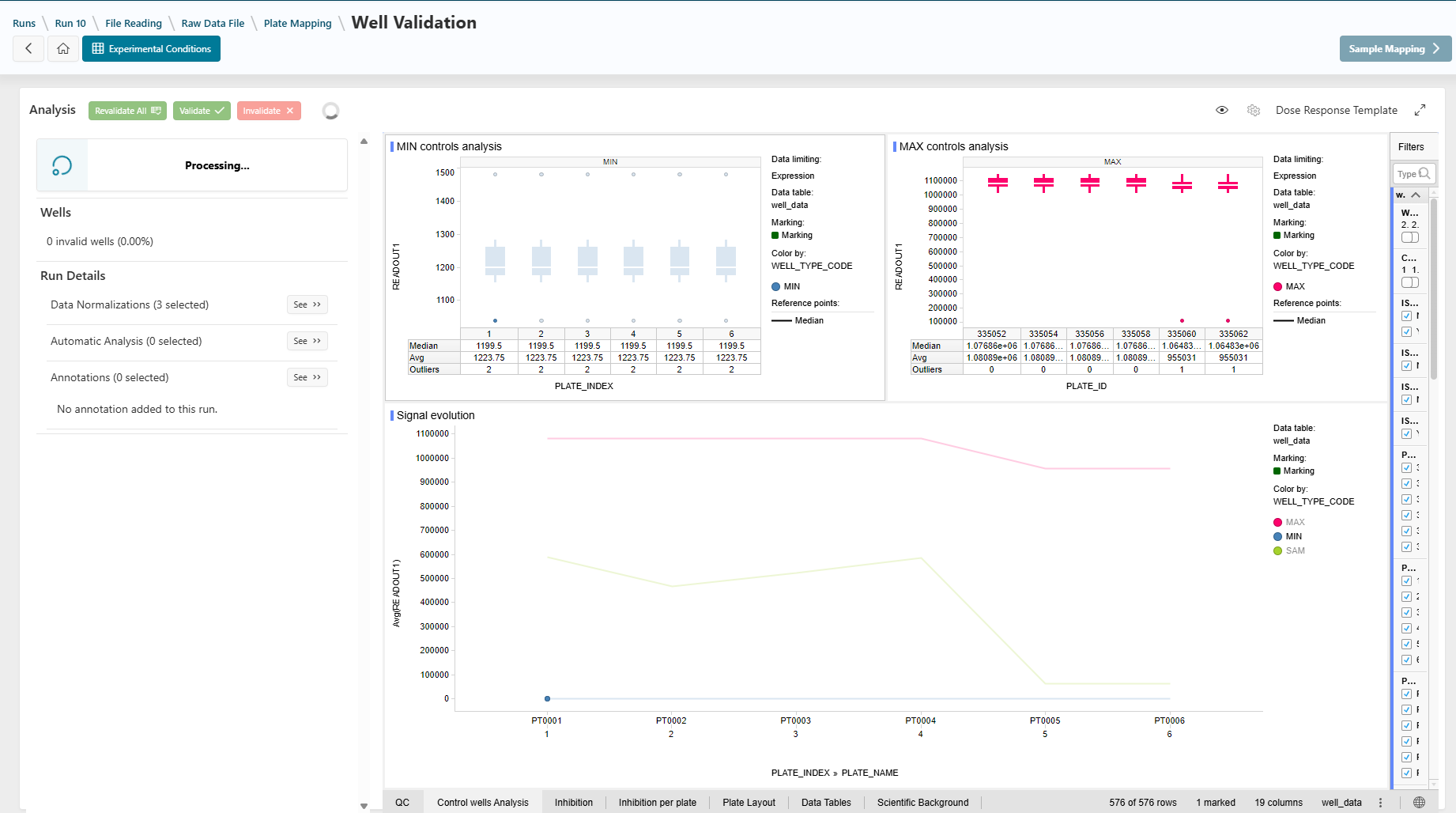
This step allows you to visualize raw data and perform a quality check of the analysis.
Info
Spotfire is primarily used as a visualization tool in the application. When accessing the page, you may be prompted to log in to Spotfire. Click the Log In button and use the corporate button for automatic authentication. You should not be prompted again.
From the Run Template
Before accessing this page, some information is pre-calculated using the run template configuration:
- The normalizations used:
- Calculations are performed on your readouts.
- Data may be added to plates or wells.
- The automatic analysis:
- Some wells may be automatically invalidated if the designer defined such rules.
- The annotation types:
- Annotation types may be added to wells or plates, allowing you to add extra values.
Info
For more information on calculations added by the designer, click the See buttons in the left panel under the Run Details section.
Validation, Invalidation, and Revalidation
By selecting your data and using the buttons in the top bar, you can invalidate aberrant wells. For instructions, see the How To: Validate or Invalidate Data guide.
Visualization Template Options
The default visualization template is defined by the designer.
- Switch templates by clicking the gear icon in the top right.
- Hide the left panel by clicking the eye icon.
- Use fullscreen mode by clicking the fullscreen icon in the region's top right.
For more details, see How To: Visualize Data and Change Template.
Annotations
You can add extra values to wells or plates using annotation values in the left panel, if defined in the run template.
See How To: Add Annotation Values or Comments for instructions.
Next Step
Next
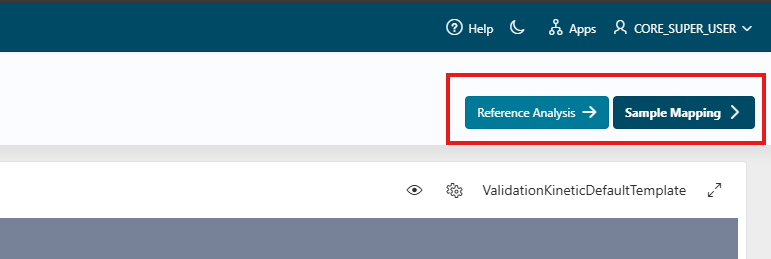
 Continue the design of the run by going to the next step: Reference Analysis step.
If you don't have any reference well defined, you will not be able to access the sample analysis page. You can go directly to the step Sample Mapping.