Update analysis parameters for a group
In the Reference Analysis and Sample Analysis steps, you can update the parameters of the analysis for several groups at once.
To do so, follow these steps:
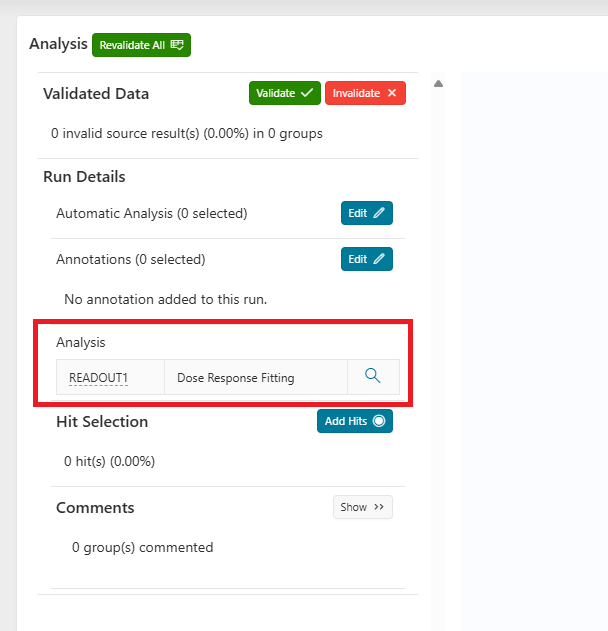
- On the left of the analysis page, click the magnifying glass icon next to the analysis you want to update.
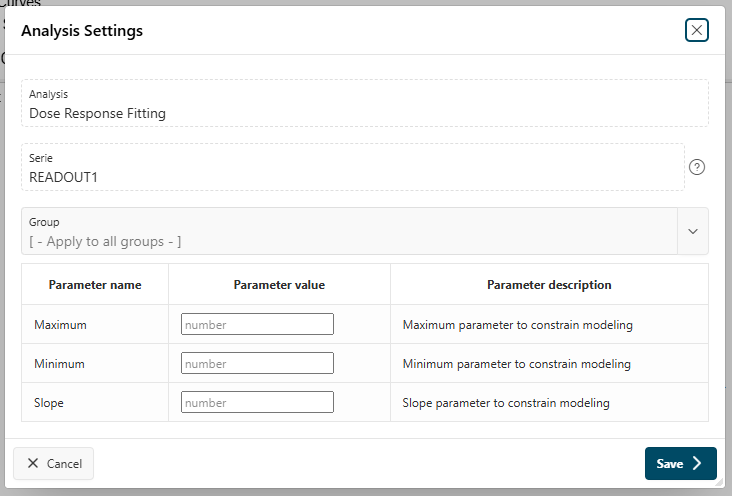
- In the modal page, update the parameters you want to change.
- Optionally, select one or several groups to update. By default, all groups are selected.
- Click the
Savebutton to apply the changes.