Dose response
Scientific Background
To select a practical number of compounds that exhibited high activity in the primary screen for follow-up assays, a cutoff value of the primary %Inhibition was applied. The cutoff value was calculated as the sum of the average percent inhibition of all compounds tested and three times their standard deviation. In this case, 48 unique compounds (1.9% of all compounds screened) were selected as hits.
As before, the number of unique compounds selected for follow-up screening represents a relatively small sample size and therefore were immediately progressed to individual dose response analysis (ED50 determination).
Compounds were "hit-picked" at 10 mM concentration in DMSO and further serially diluted ten times at three-fold dilutions for a total of 10 points per compound. Data was normalized as in the primary assay and curves were plotted and fitted to a four-parameter equation describing a sigmoidal concentration-response curve (e.g., the Hill equation). The reported ED50 values are generated from fitted curves by solving for the x-intercept at the 50% activity level of the Y-intercept. Compounds with ED50 values greater than 0.01 micromolar are considered inactive; compounds with ED50 of equal to or less than 0.01 micromolar are considered active.
Prerequisites
- An existing run template, created using
Design Mode, following the tutorial in Dose Response Tutorial.
Files to use:
Run Creation
- Click the
New Runbutton to create a new run. - Select
Execution Modeas the mode. - Enter a
Run Name. - Select the appropriate
Run Template(the one saved in Step 9 ofDesign Mode). - Go to the
File Readingstep.
File Reading
- The plate format (
96 (8x12)) is already set. - The reader named
Analyst GT (TAB)is already fixed. - Upload the file
02-Dose_Response_Assay_p96_Raw_Data. - Go to the
Raw Data Filestep.
Raw Data File
- Number of measurements per plate is already mapped:
1. - The
Readout Aliasis fixed toREADOUT1and cannot be modified. - Go to the
Plate Mappingstep.
Plate Mapping
The Control Layout named Dose_Response is already applied to all plates.
- Go to Well Validation step.
Well Validation
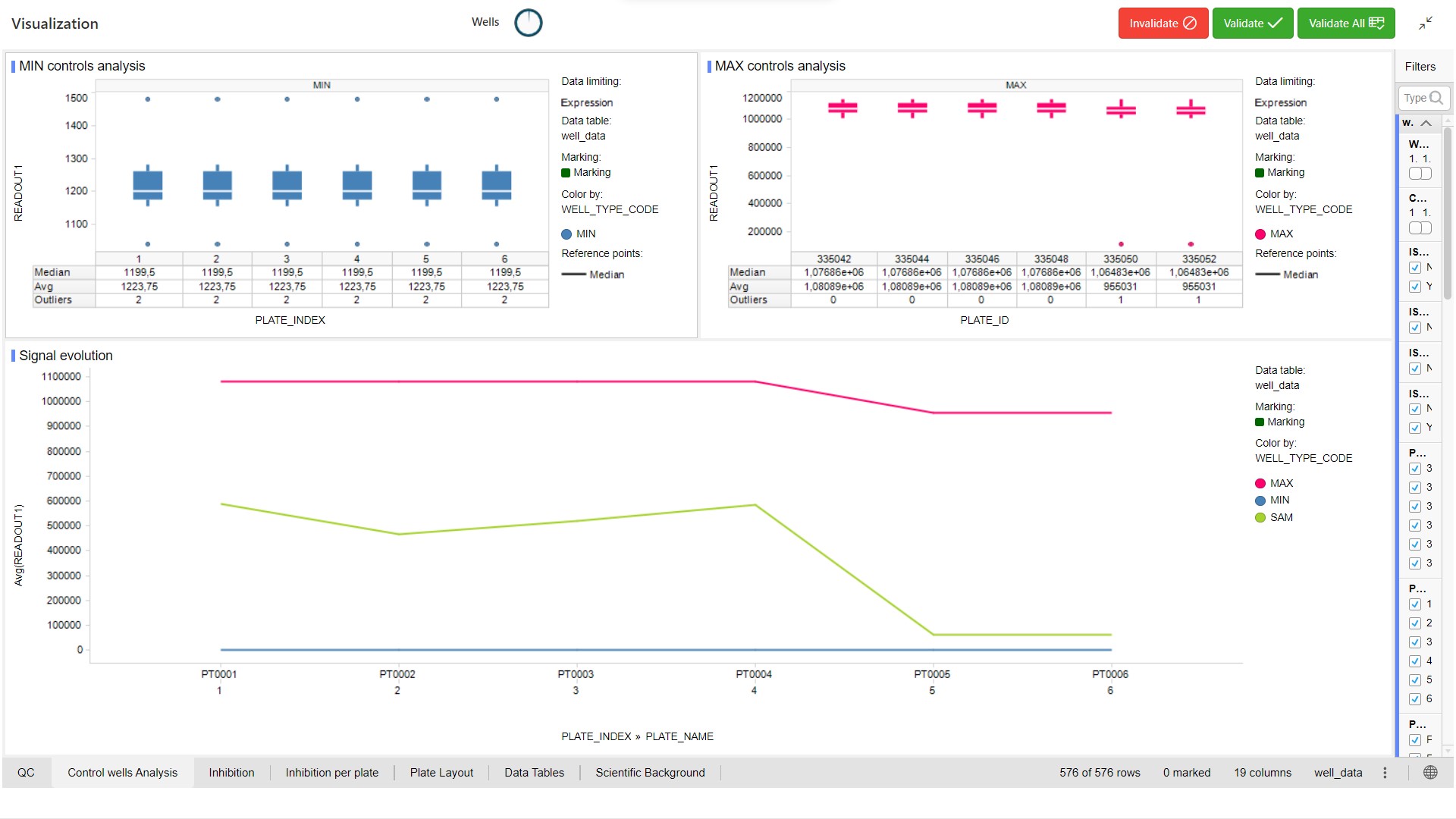
Visualization template selected in Design Mode is already applied.
You can change this template.
For QC Validation, select aberrant wells in the visualization and click on the  button. Multiple selection is allowed by holding the Ctrl key.
Example
Plate_ZSCORE_READOUT1 < -2 or Plate_ZSCORE_READOUT1 > 2.
- Go to Sample Mapping step.
Sample Mapping
- Click on Edit Sample Information button.
- Select filling mode File and tick Sample and Dose for content.
- Choose file 02-Sample_Mapping_Dose_Response_Assay_p96.
- Click on Apply button.
Samples and doses are filled in.
- Click on Continue button.
Samples and doses are mapped for all plates.
- Click on Sample Analysis Settings button.
Sample Analysis Settings
Groups are automatically created (48 groups). Fitting analysis is already applied.
- Go to Sample Analysis.
Sample Analysis
The template specified in Design mode is applied.
- For Hits Selection, select points (“hits”) in visualization and add them to a list (click on the Add Hit button). This selection can be exported in CSV format (export button).
- Lock your Analysis (Lock run button).
Publish Data
Depends on the Publisher defined in the workflow template.