Details
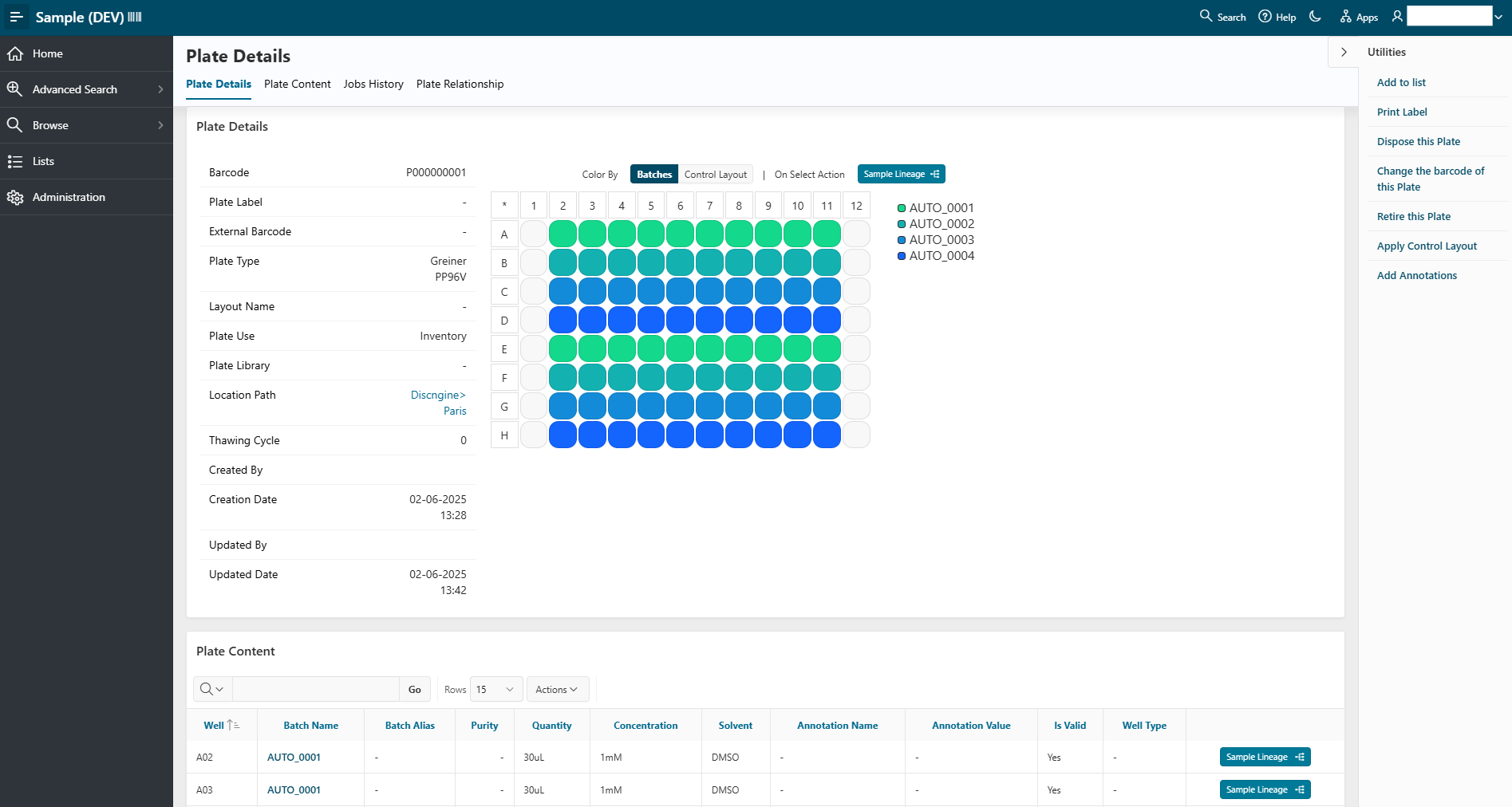
From the browsing or the advanced search pages, you can access the details of an item by clicking its name. You will be redirected to a detail page (except for locations, which work differently). On the detail page, you can also perform actions on the selected item using the Utilities panel.
Example of Plate details: