Troubleshooting
I cannot access the platform (home page)
Details:
- You see an error stating that you cannot access the platform and that you need to be added to the authorized users.
- You do not see the navigation menu.
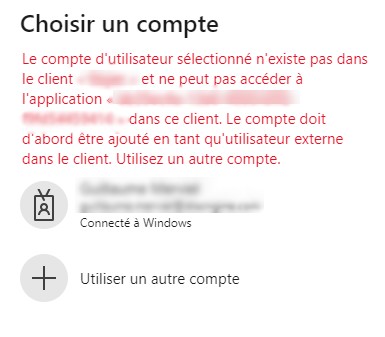
Explanation:
- You are not part of the users authorized by your company.
Resolution:
- Contact your company's application administrator or the platform manager. You need to be authorized by your company.
I do not have access to one of the applications
Details:
- You have access to the platform home page.
- When you try to open an application, you see the following error:
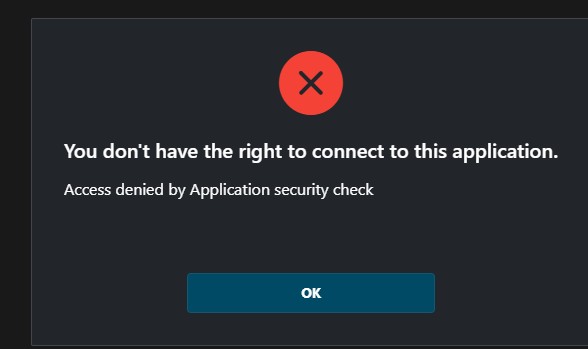
Explanation:
- You are supposed to have access to the application, but you do not.
- You are not supposed to have access to this application, but you want to.
Resolution:
- Contact Discngine support with the details of your request.
- We will add you as a user after checking your rights with your company administration.