See and update a control or a dose layout
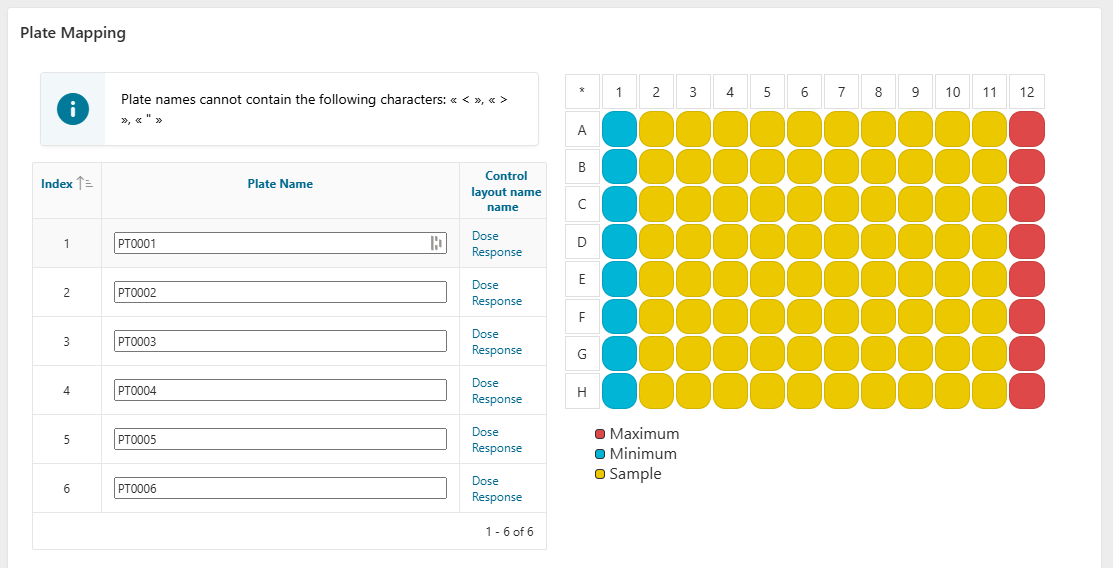
In the Plate Mapping step, the report displays information on the control and dose layouts linked to your plate.
To visualize the layout for a plate, hover over a layout name in the report.
If your plate does not match what is defined in the template, you can also edit the chosen layout.
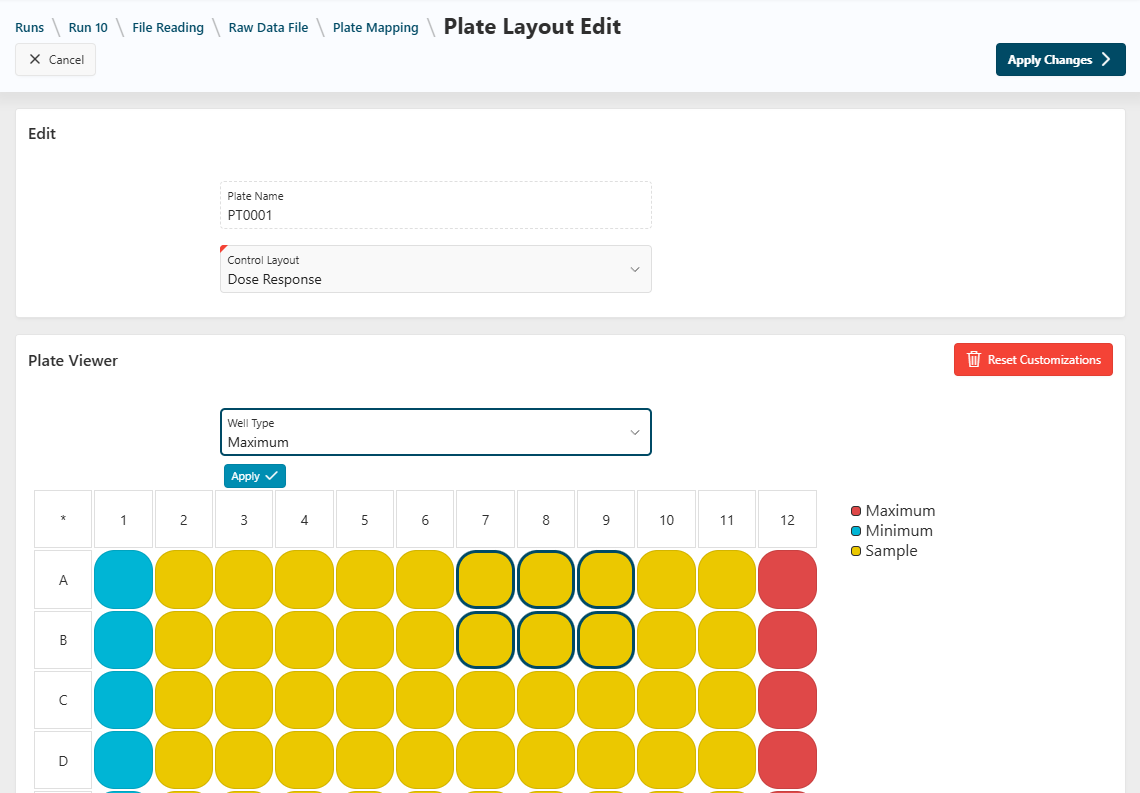
- Click the name of a layout in the report.
- On the following page, use the select list to choose another layout.
- In the
Plate Viewerregion, you can update every single well by selecting your wells on the plate, choosing a well type, and clickingApply. - Click
Apply Changesto see your changes.