Browse
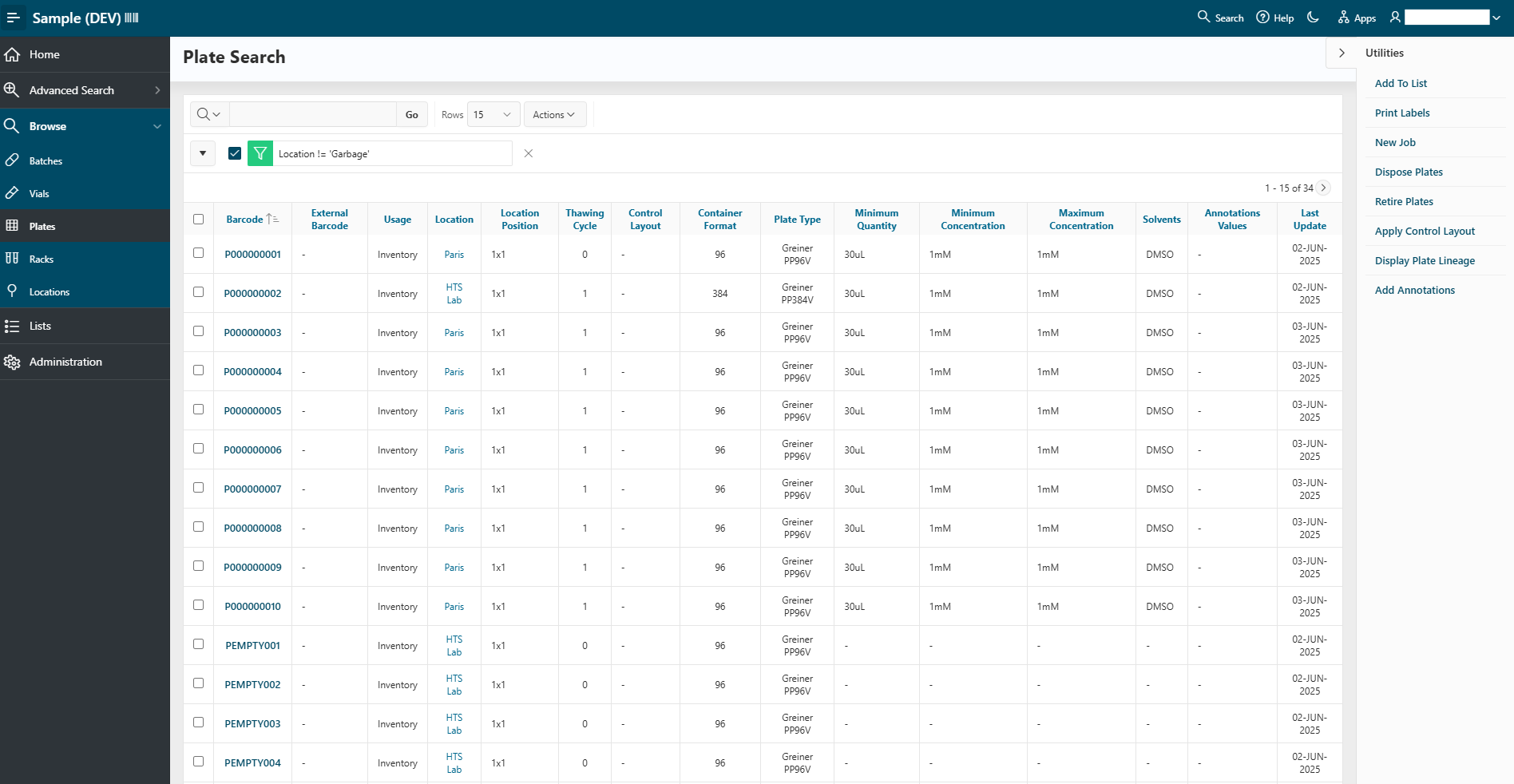
The Browse panel allows you to search across multiple categories:
- Batches
- Vials
- Plates
- Racks
- Locations
For each category, you can view a list of all items belonging to it. You can filter the table using various fields such as location, usage, and more. From there, you can select multiple items (using the checkboxes) and perform actions on all selected items using the Utilities panel.
Info
From these lists, you can access details pages by clicking on the container name. Details pages are explained in the details documentation.