Validate or invalidate data
On the Well Validation, Reference Analysis, and Sample Analysis pages, you can validate or invalidate your data (wells, validated data, aggregated data).
To do so, use the buttons at the top left of the page.
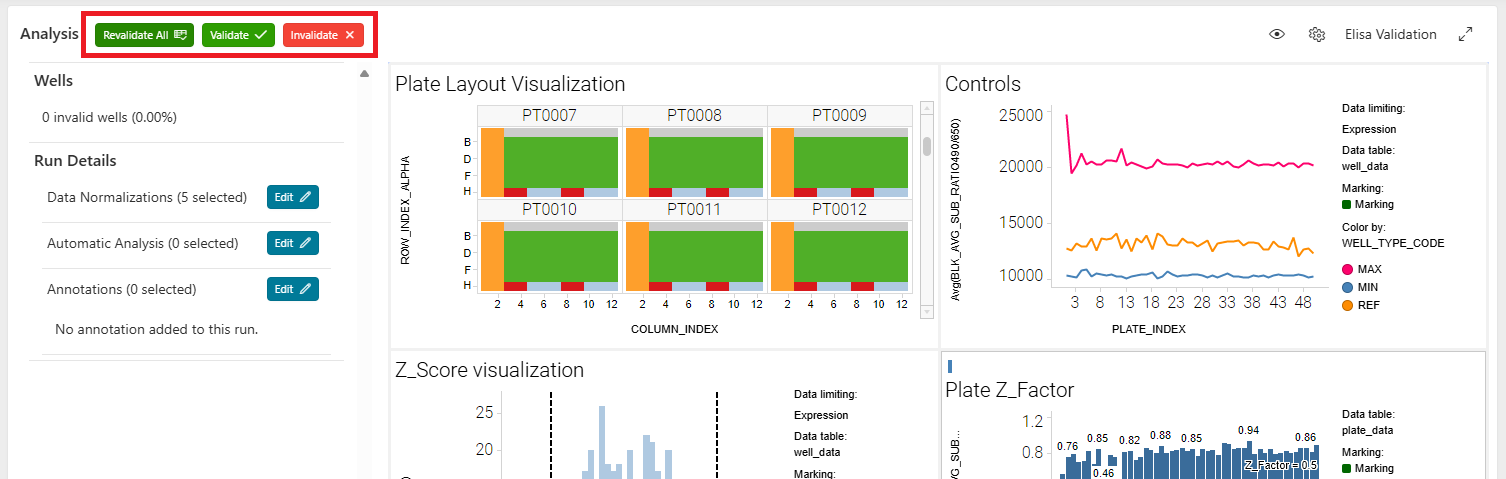
Invalidation
- Select the data you want to validate or invalidate in the visualization panel.
- You can select on any visualization or table available.
- The rows will be highlighted (usually in green) and considered as selected.
- Click the
Invalidatebutton at the top left of the page. - A processing region will appear. The data will be recalculated, excluding the invalidated data.
- For example, you can invalidate an aberrant well. The normalizations using this well will be recalculated, excluding this well. You can invalidate a point of a dose response. The dose response curve will be recalculated, excluding this measurement.
- During the calculation process, actions on the page will be blocked.
- You can continue to navigate through your data and select other data to invalidate.
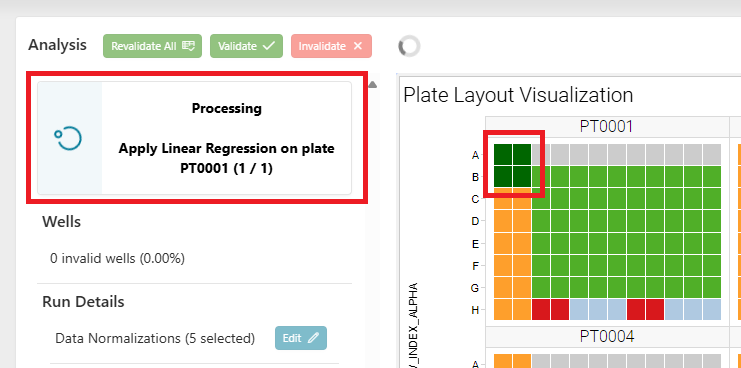
- Once finished:
- The visualizations will be refreshed.
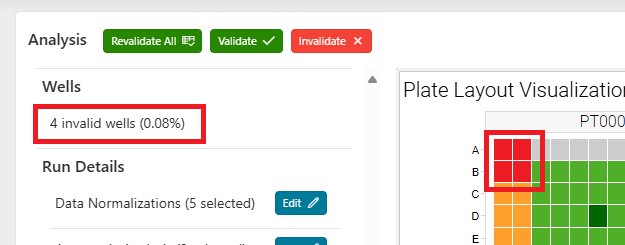
- The data will be considered as invalid (
IS_VALID = 'N'), and the person who invalidated the data will be displayed in the table. - The number of invalid data (e.g., wells) will be displayed in the left panel.
- The invalidated data will be displayed differently (for example, wells will be in red, and invalidated points will be represented with a cross).
Validation
Use the same process to validate previously invalidated data. Select the data you want to validate in the visualization panel, and click the Validate button. The data will be recalculated, and the visualizations will be refreshed.
Revalidate All
If you want to revalidate all previously invalidated data, use the Revalidate All button.
- A confirmation message will be displayed, asking if you want to revalidate all the data.
- By clicking
Yes, all data in the run will be revalidated. - The data will be recalculated, and the visualizations will be refreshed.