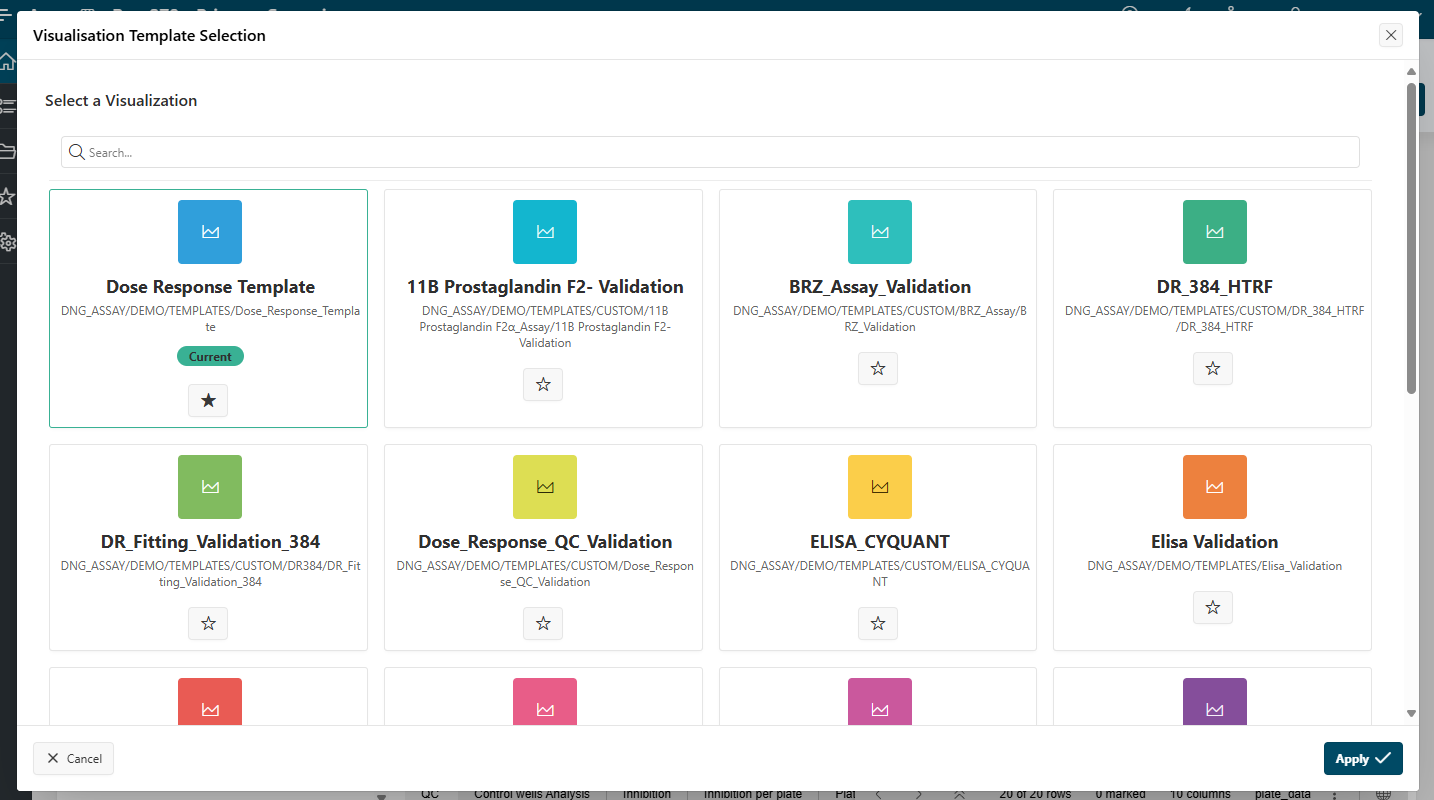
Visualize my data and change template
While visualizing your data in Well Validation, Reference Analysis, Sample Analysis, or Cross Runs, several actions are possible using the top right of the Analysis region.
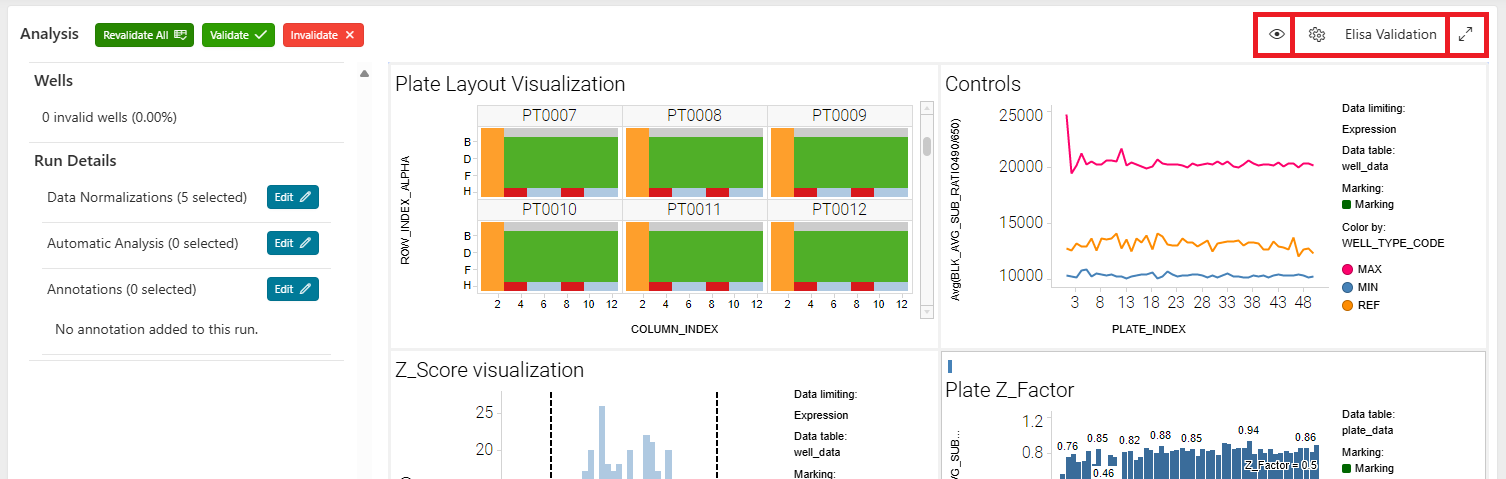
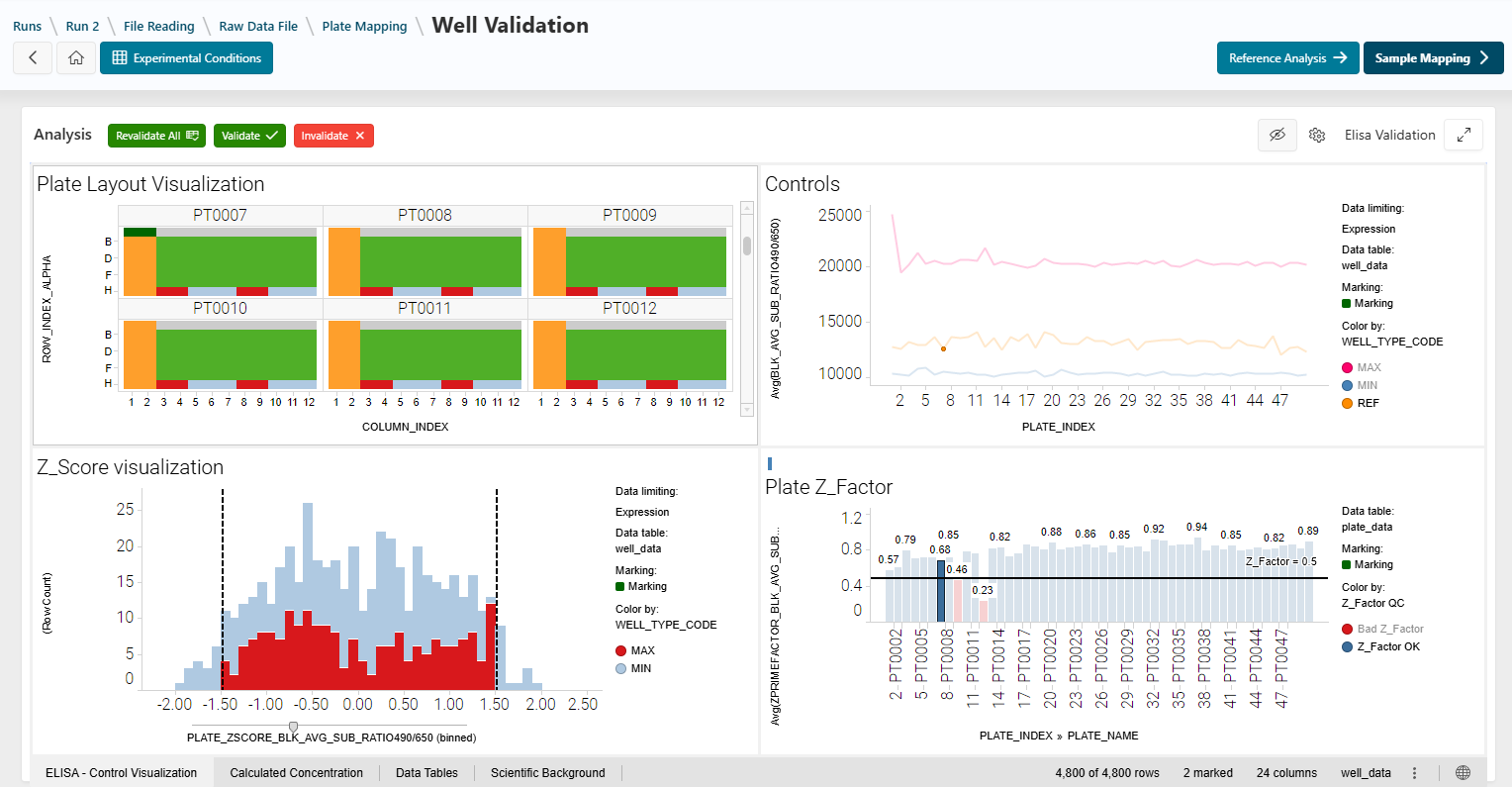
Hide the Left Panel
Click the eye icon to hide the left panel. This gives you more space to visualize your data. Unhide the left panel by clicking the eye icon again.
Fullscreen Mode
Click the arrow icon to display the Analysis region in fullscreen mode for more space.
Change the Template
The name of the current template is displayed at the top right of the page, next to the gear icon.
Click the gear icon to open a modal and select a new template.
- Search for the template you want to use with the search bar.
- Add templates to your favorites by clicking the star icon.
- Click the template you want to use to select it (highlighted in green), then click
Apply. The data will reload using the new template.