Application
This category provides three essential tools for managing and customizing workflows in the application:
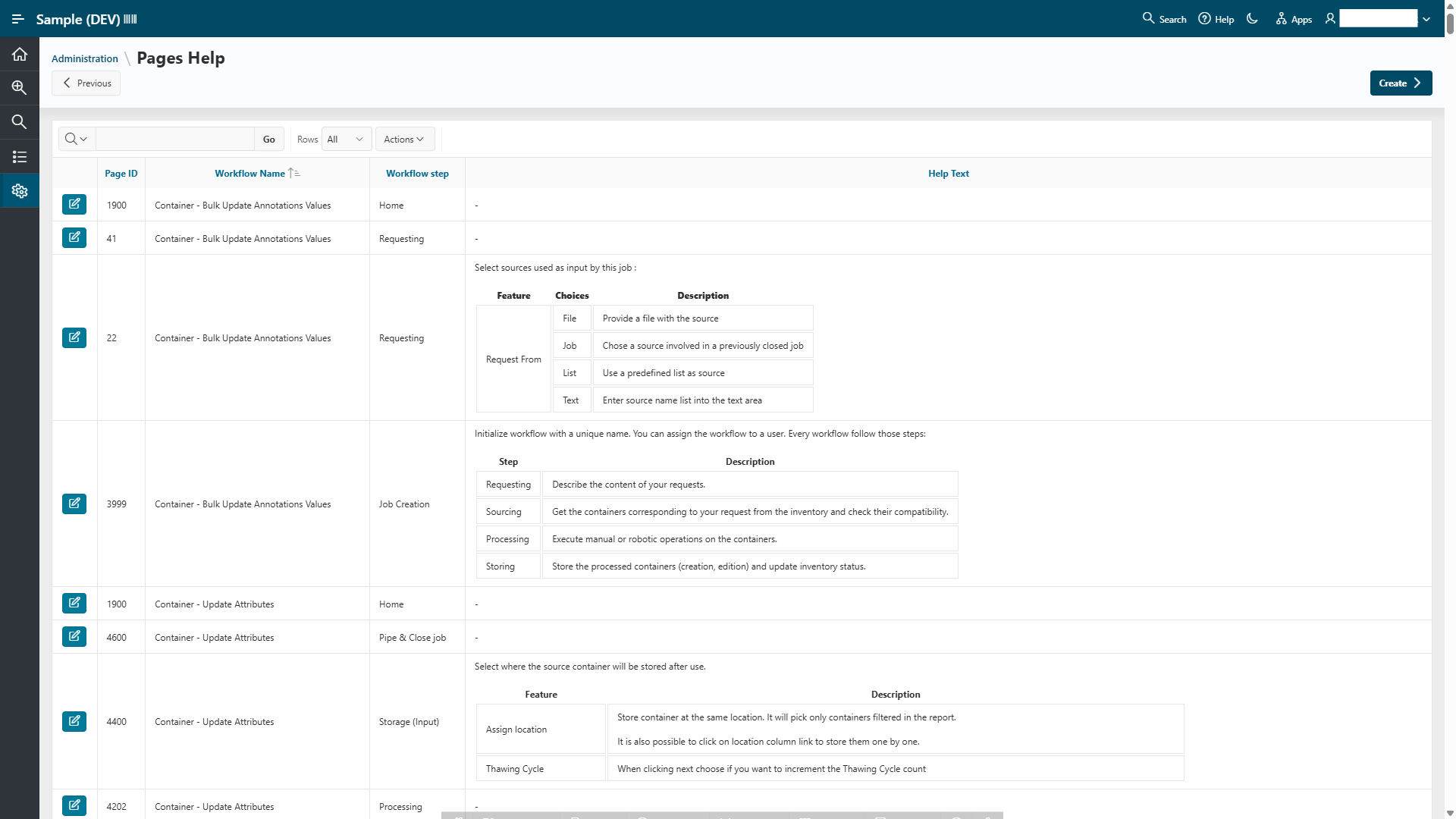
Pages Help
This interface lets you manage the help content displayed on workflow pages. You can edit instructions and guidance shown to end users by clicking the Edit button:

Job Monitoring
This section provides reports on currently running jobs. You can monitor their status and stop jobs if necessary using the available controls.
Workflows
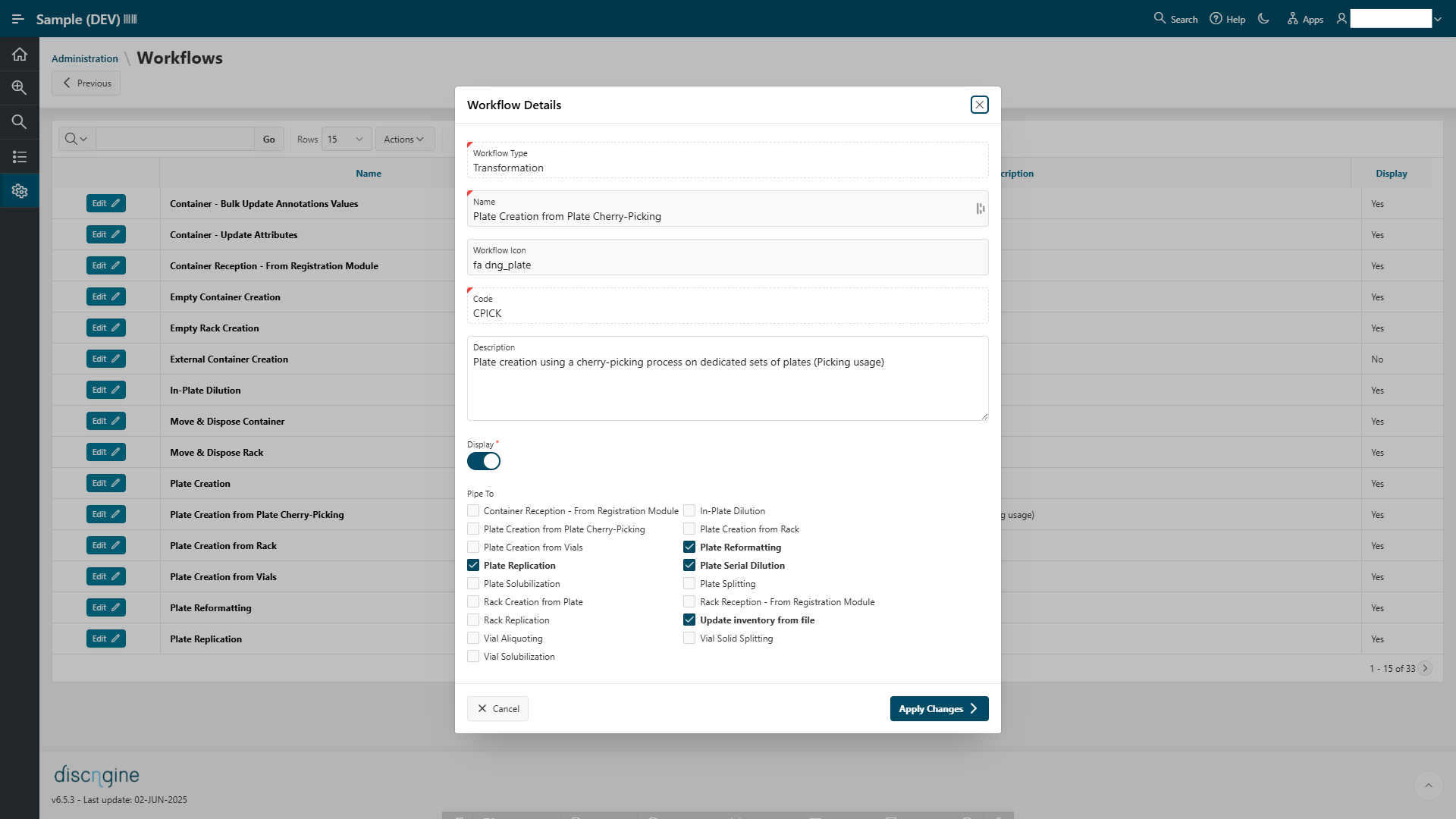
This tool allows you to manage the list of available workflows:
- Edit workflow descriptions
- Hide workflows from the user interface
- Customize the piping steps for each workflow
Below is an example of the interface when you click the Edit button for a workflow: