Experiments
Experiment Results
You can see all the experiments you have registered in Warehouse in the Experiments page.
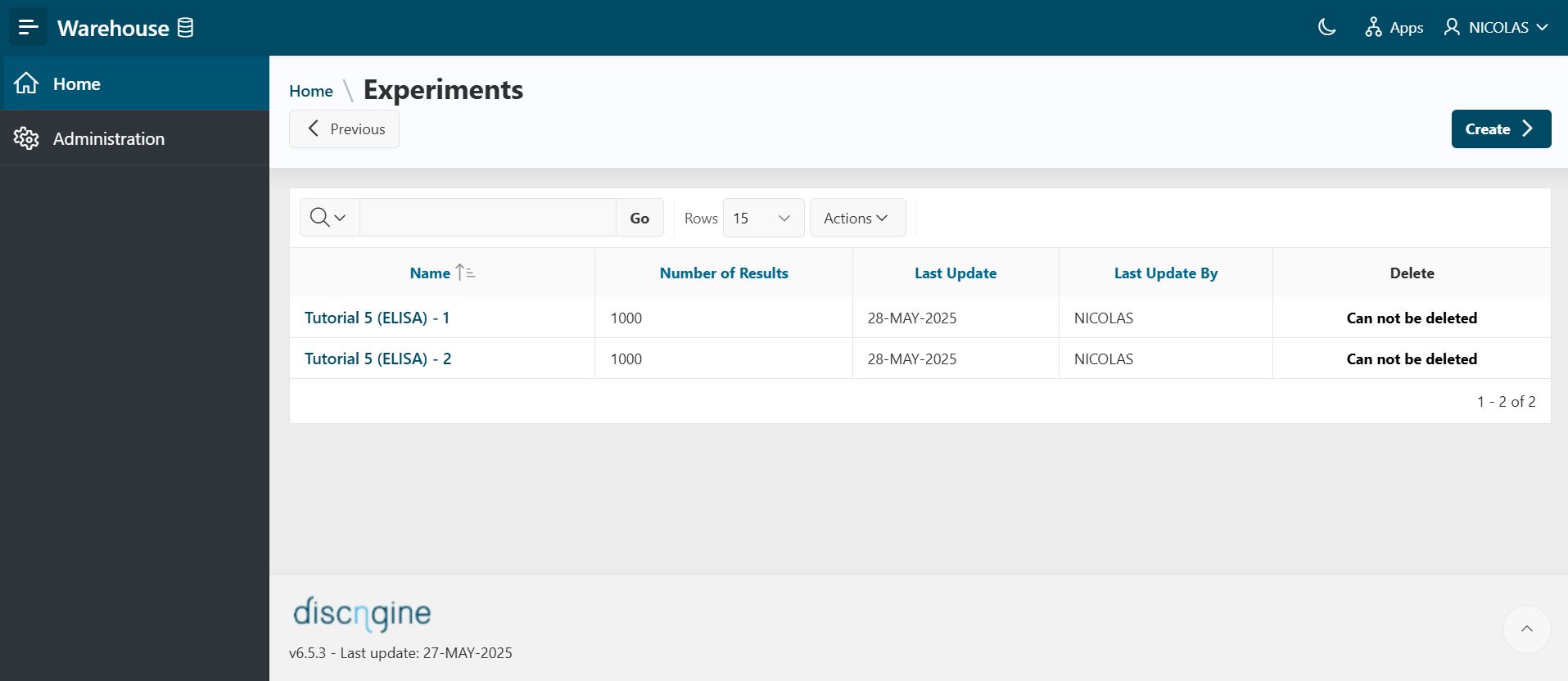
By clicking on an experiment name, you can see the details of the experiment.
By using the region display selector at the top, you can choose to see the different regions one by one or to see all regions (show all option): Details, Experimental Results, and Aggregated Results.
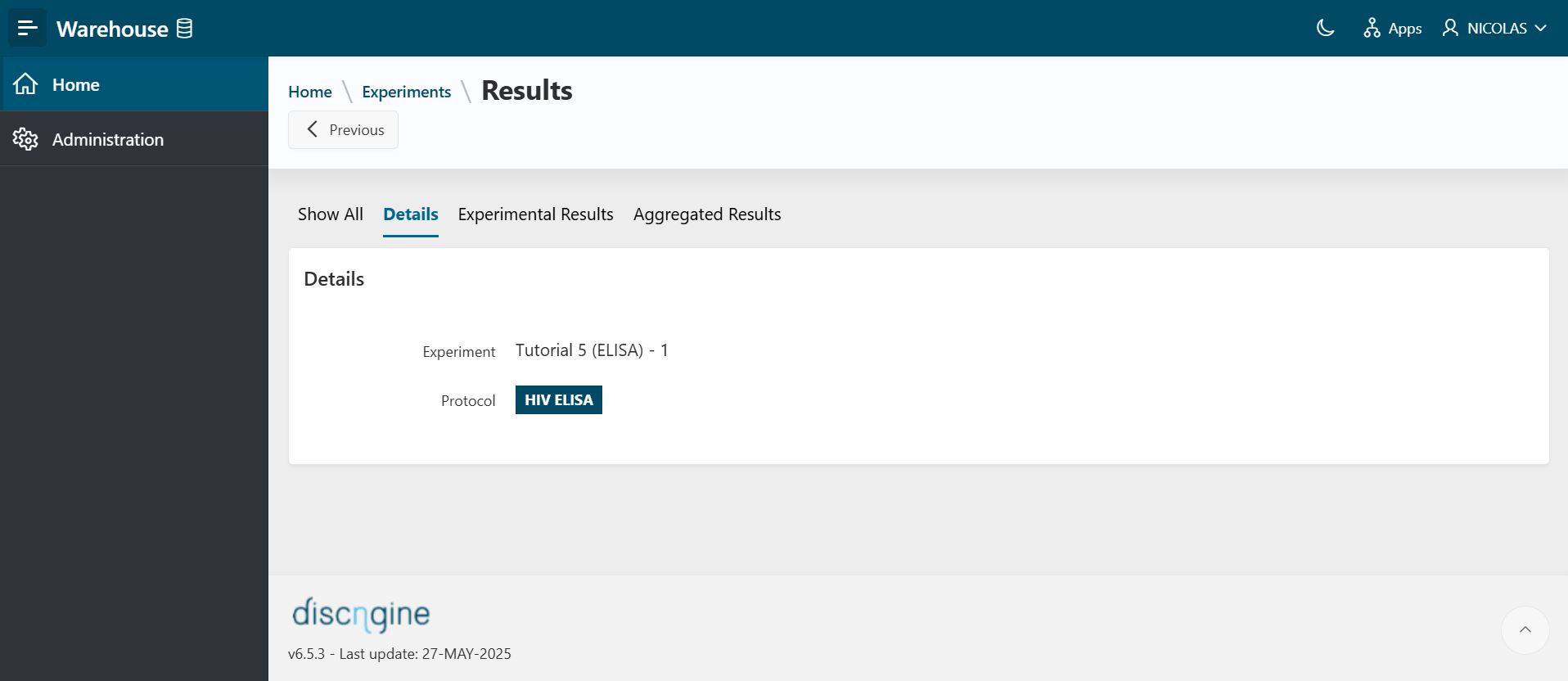
Details
The Details region provides information about the experiment and the protocol(s) used to publish data.
- If there are several protocols for an experiment, you can choose the protocol to see associated results by clicking the radio button.
- The results are refreshed to correspond to the protocol you have chosen.
Experimental Results
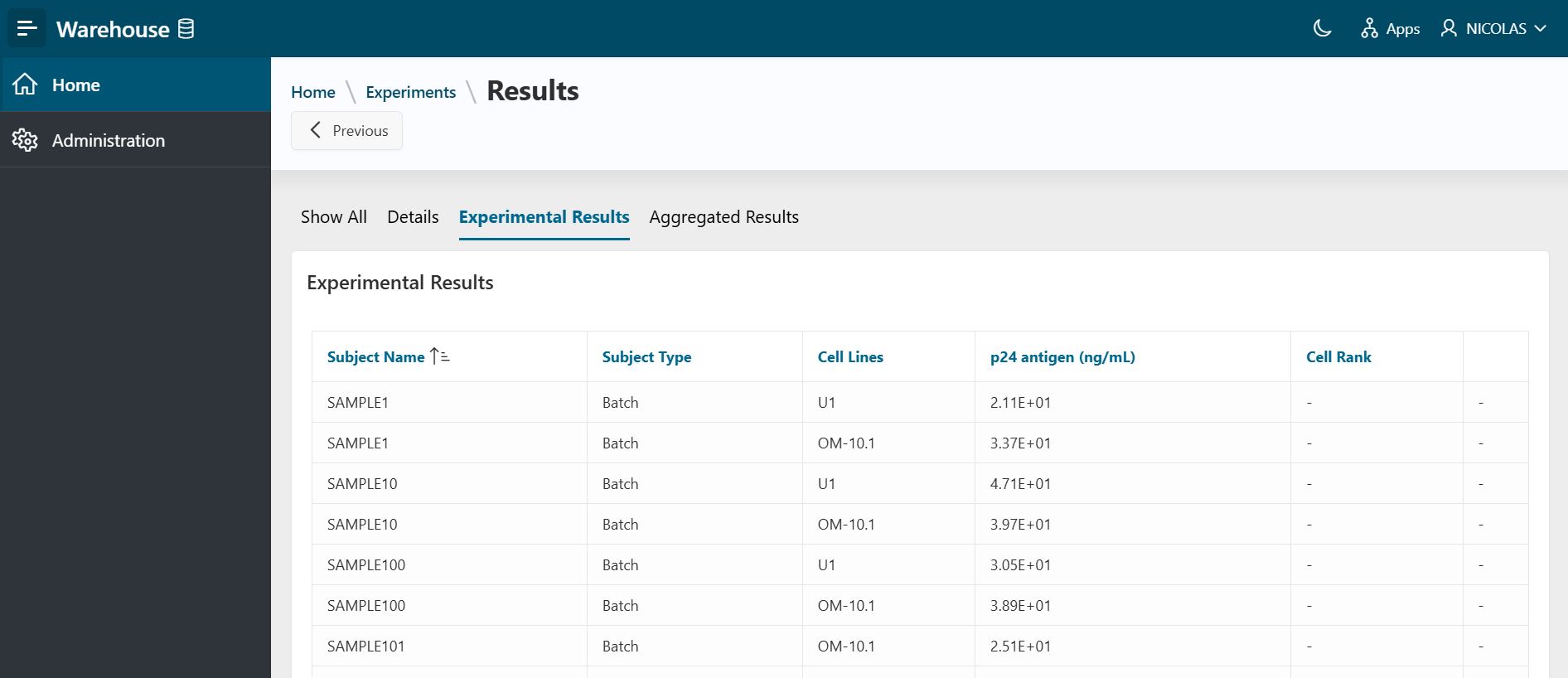
The Experimental Results region shows the 'raw' data imported into Warehouse for the experiment and the selected protocol.
Aggregated Results
The Aggregated Results region shows the consolidated data aggregated in Warehouse for the experiment, according to the aggregation method defined in the selected protocol.
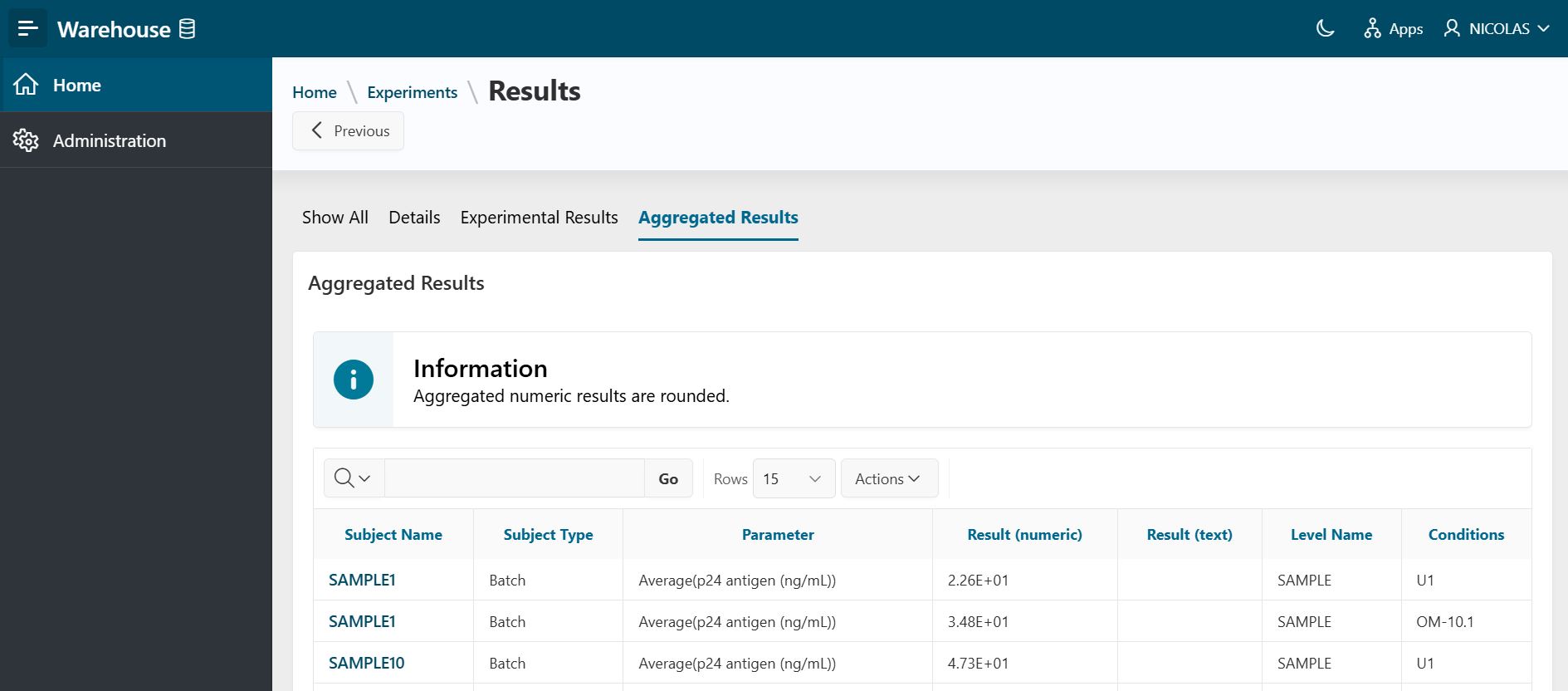
By clicking on a subject name, you can see the details of the results for this subject (see below).
Subject Details
With the region display selector at the top, you can choose to see the different regions one by one or to see all regions (show all option): Subject Details, Experimental Results, and Aggregated Results.
- The
Subject Detailsregion provides information about the subject type and the protocol used to publish data.
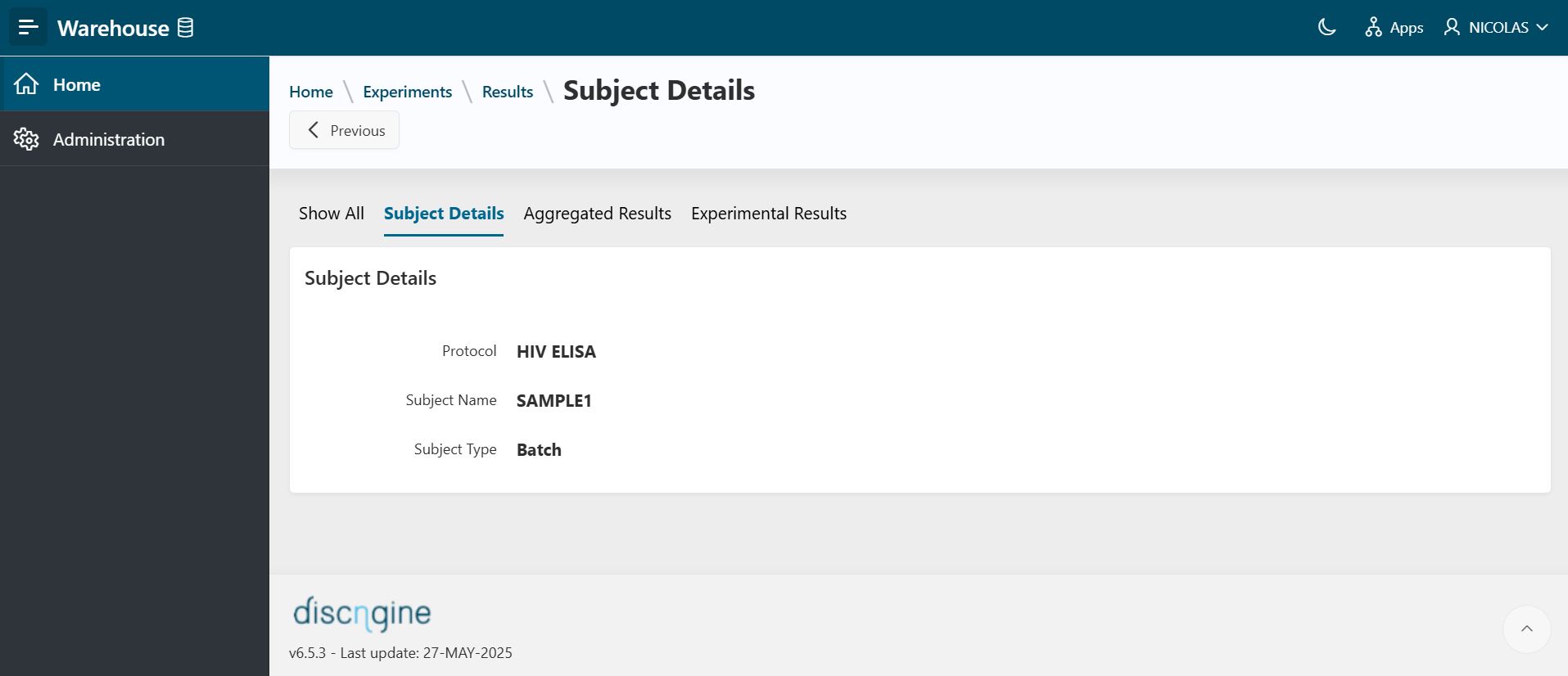
- The
Aggregated Resultsregion shows the consolidated data aggregated in Warehouse for the specific subject.
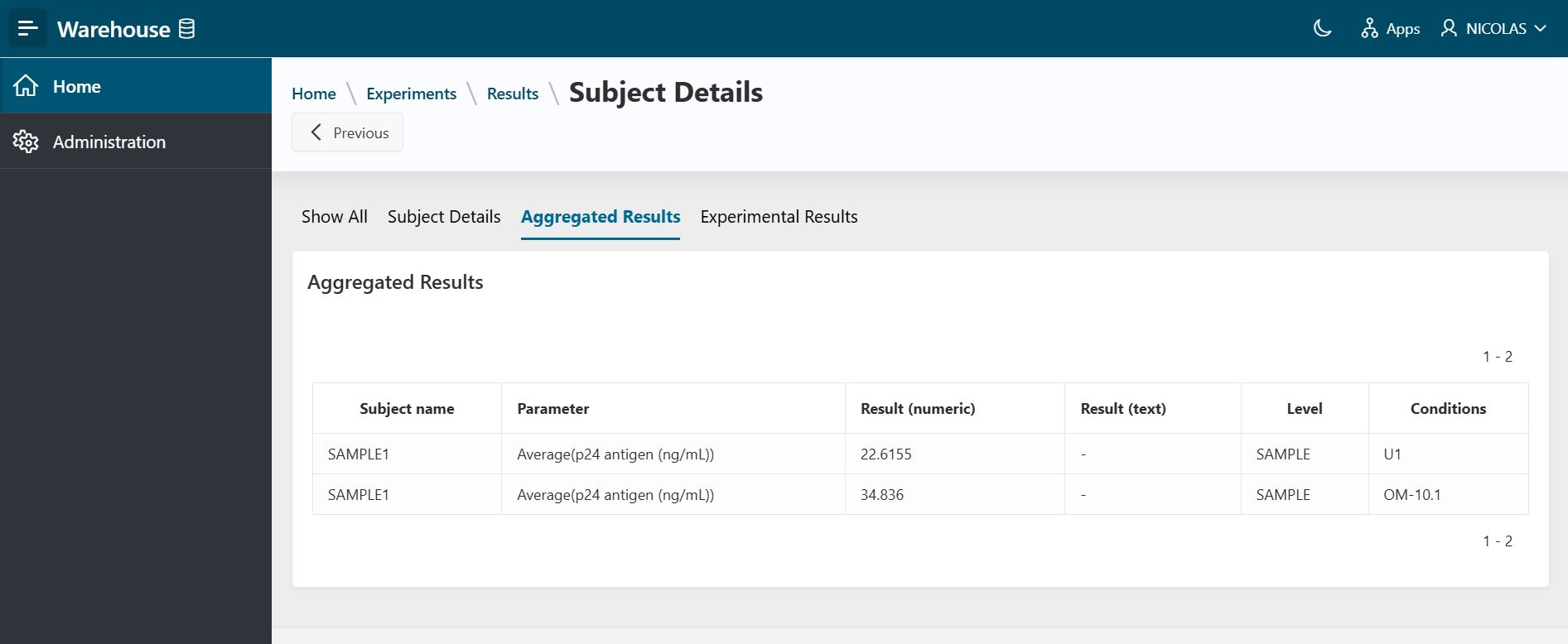
- The
Experimental Resultsregion shows the 'raw' data imported into Warehouse for the specific subject.
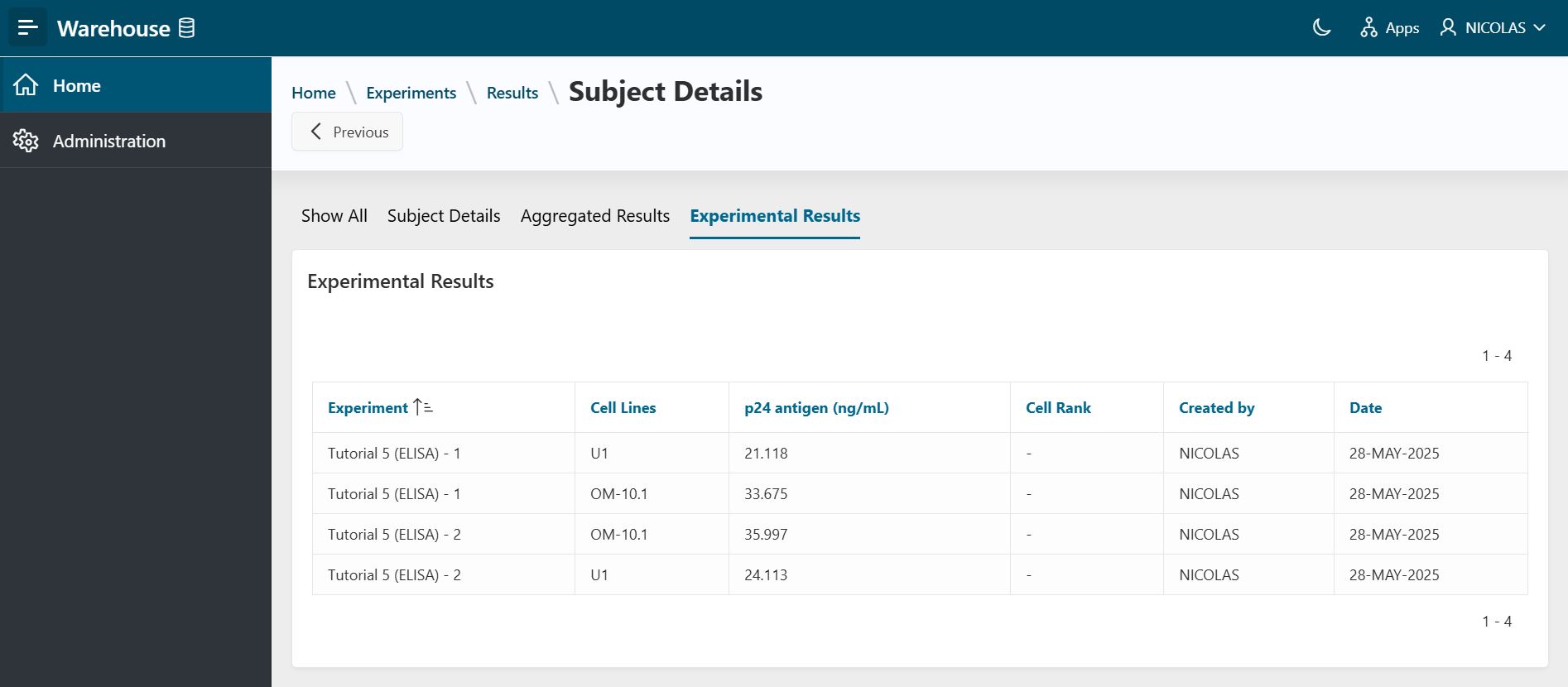
Create or Delete an Experiment
To know how to create or delete an experiment, see the Create or Delete an Experiment guide.