Experimental Condition Completion
Experimental Condition completion
This documentation describes how to use the following visualizations in the context of providing information about the content of the plates being analyzed:
- Sample Name completion
- Sample Information completion
- Reference completion
Sample Name Completion
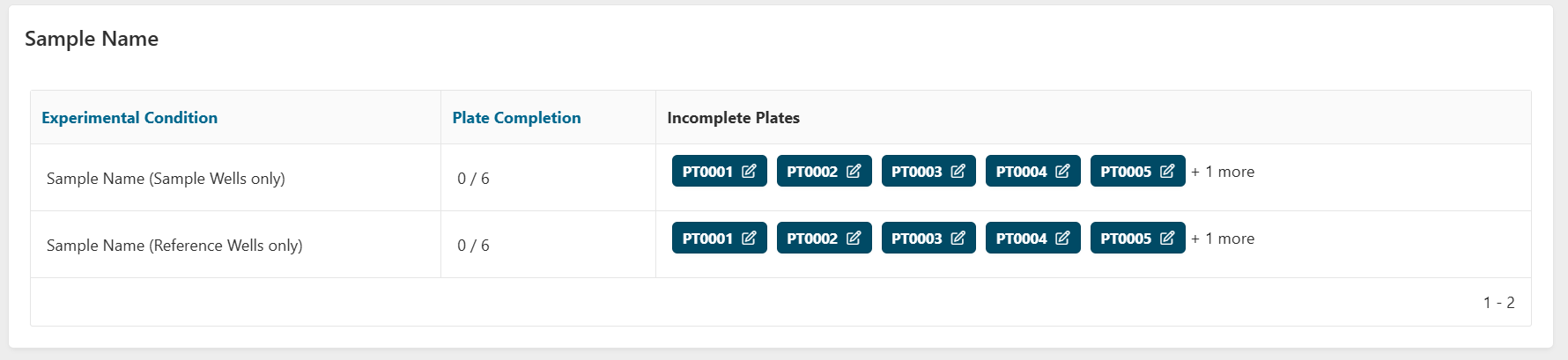
This region allows you to check whether you will miss samples before going to the Sample Analysis step. Only non-control wells with a Sample Name will pass on to the Sample Analysis step. Therefore, we offer a quick review in 2 cases:
-
Sample Name (Sample Wells only): All plates with at least one sample well (i.e. a non-control and non-reference well) missing a Sample Name will be displayed for you to review.
-
Sample Name (Reference Wells only): All plates with at least one reference well (i.e. a non-control and reference well) missing a Sample Name will be displayed for you to review. This is specifically if you want the reference wells to be present in the Sample Analysis step.
You can click on any plate to select it and view or edit the associated Sample Names.
Sample Information Completion
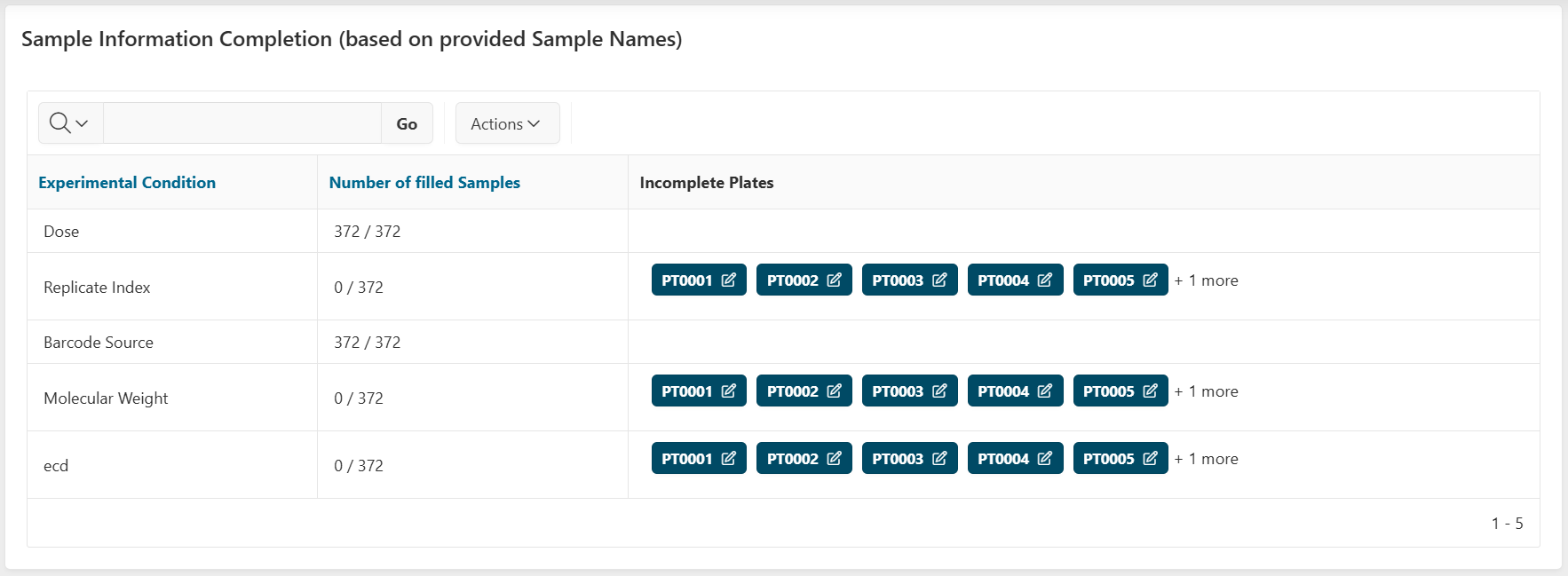
This region allows you to check whether you will miss sample information before going to the Sample Analysis step. It lists all Experimental Conditions defined for the run, and for each Experimental Condition, you can check whether all sample information for sample wells (i.e. non-control and non-reference) is filled:
- Number of filled Samples column: Shows the overall completion ratio as "X / Y", where:
- X = Total number of wells with values for this Experimental Condition across all plates
- Y = Total number of wells with Sample Names across all plates
- Incomplete Plates: Shortcut to click on to directly have the incomplete plate and the Experimental Condition selected in the plate visualization on the top of the page.
Reference Completion
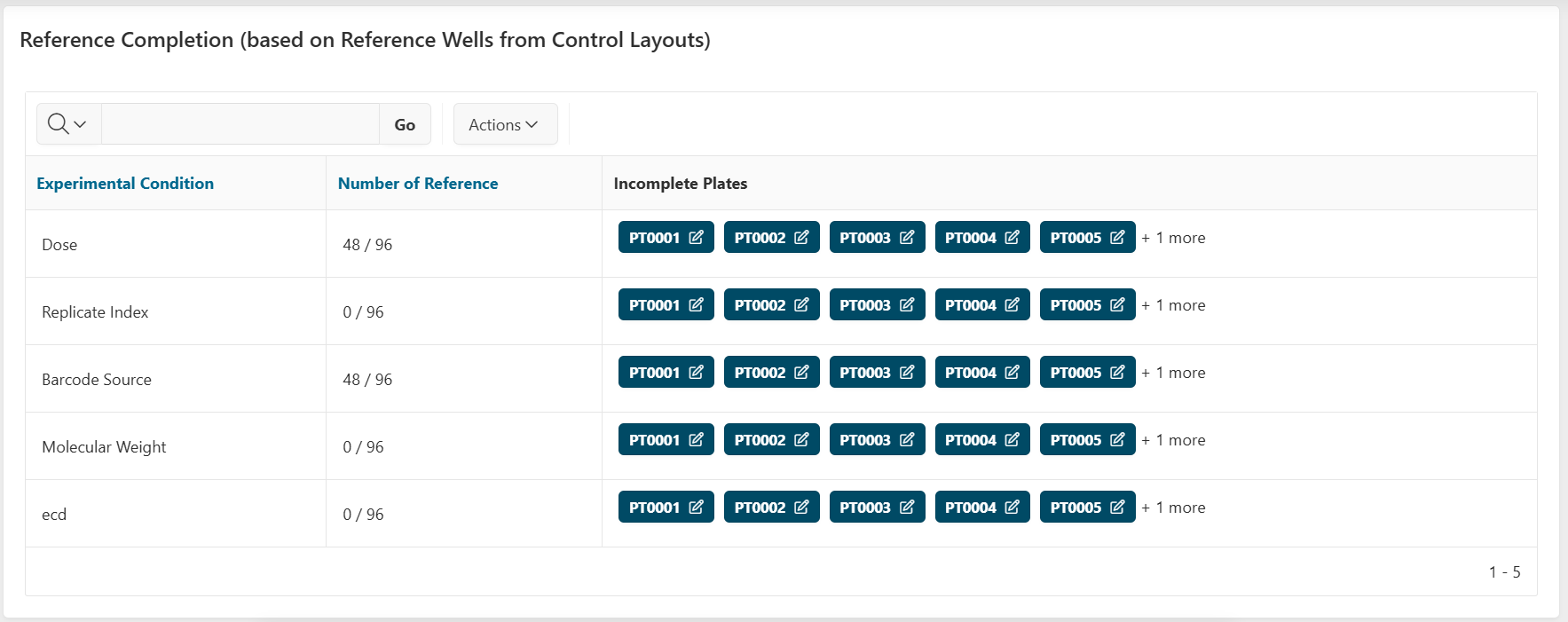
This region allows you to check whether you will miss sample information before going to the Reference Analysis step. It lists all Experimental Conditions defined for the run, and for each Experimental Condition, you can check whether all sample information for reference wells (control or not) is filled:
- Number of Reference: Shows the overall completion ratio as "X / Y", where:
- X = Total number of wells with values for this Experimental Condition across all plates
- Y = Total number of Reference wells accross all plates
- Incomplete Plates: Shortcut to click on to directly have the incomplete plate and the Experimental Condition selected in the plate visualization on the top of the page.