Pending Items
This section allows you to browse Pending Plates, Racks, and Vials that have been registered but are not yet received in Sample.
Some of these items may be awaiting validation, while others may have incomplete or incorrect information. You can review and edit them if needed—for example, to correct invalid data before reception.
This interface helps track containers that are still in a transitional state before being fully available in workflows.
It also allows you to manually trigger the validation of pending plates by clicking the Run Plates Validation button. If a plate was previously invalid and you’ve corrected the cause of the error, clicking this button may render the plate valid and receivable.
You can click on the name of any item (Plate, Rack, or Vial) to open the Pending Item Edition page.
On this page:
- If the item is invalid, a warning banner at the top explains the reason.
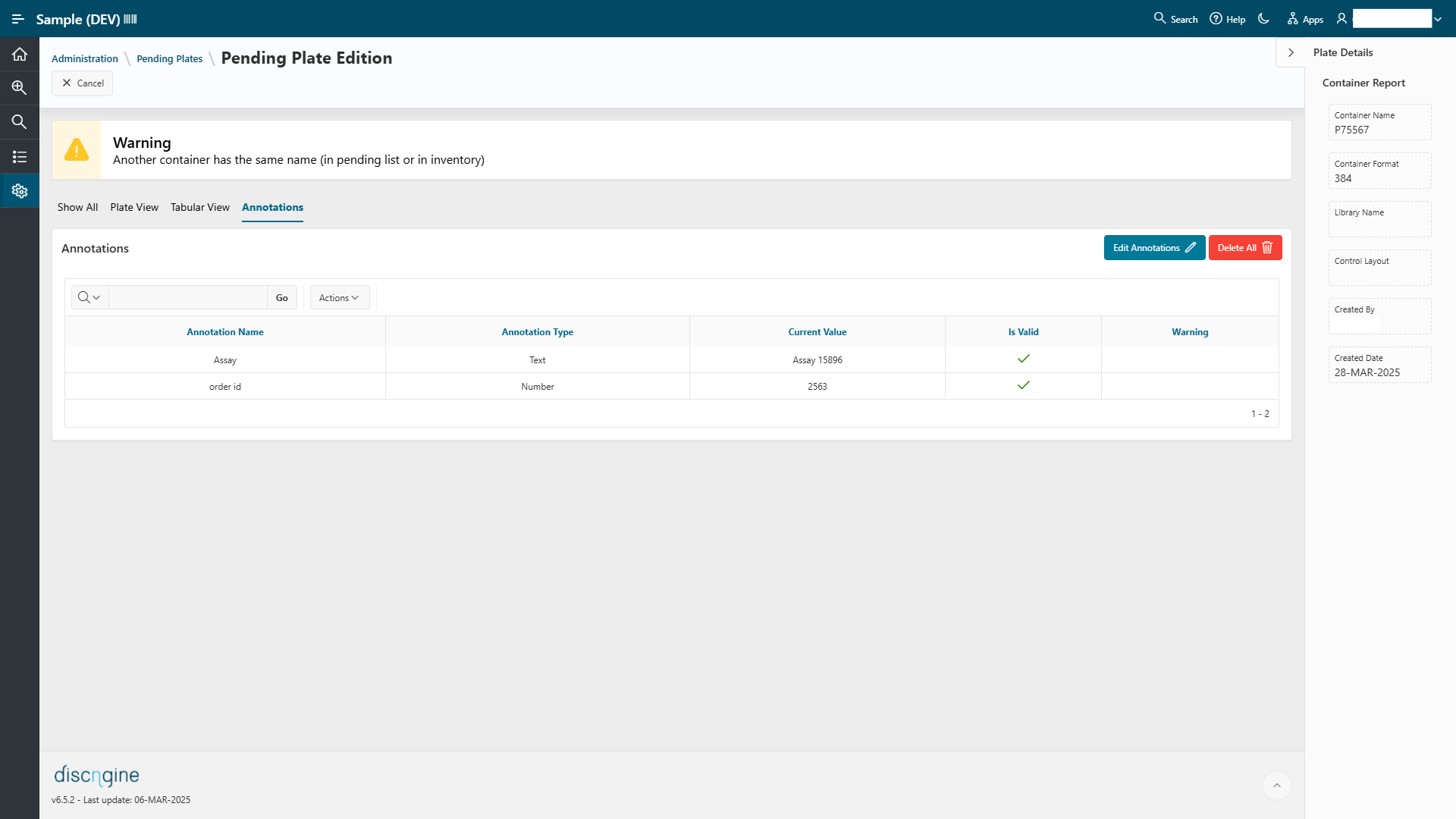
- The page is divided into three sections:
- Details
- Includes a visual viewer for plates and racks, allowing you to inspect the layout.
- You can edit container-level information (e.g., name, format) by clicking the
Edit Containerbutton.
-
Content
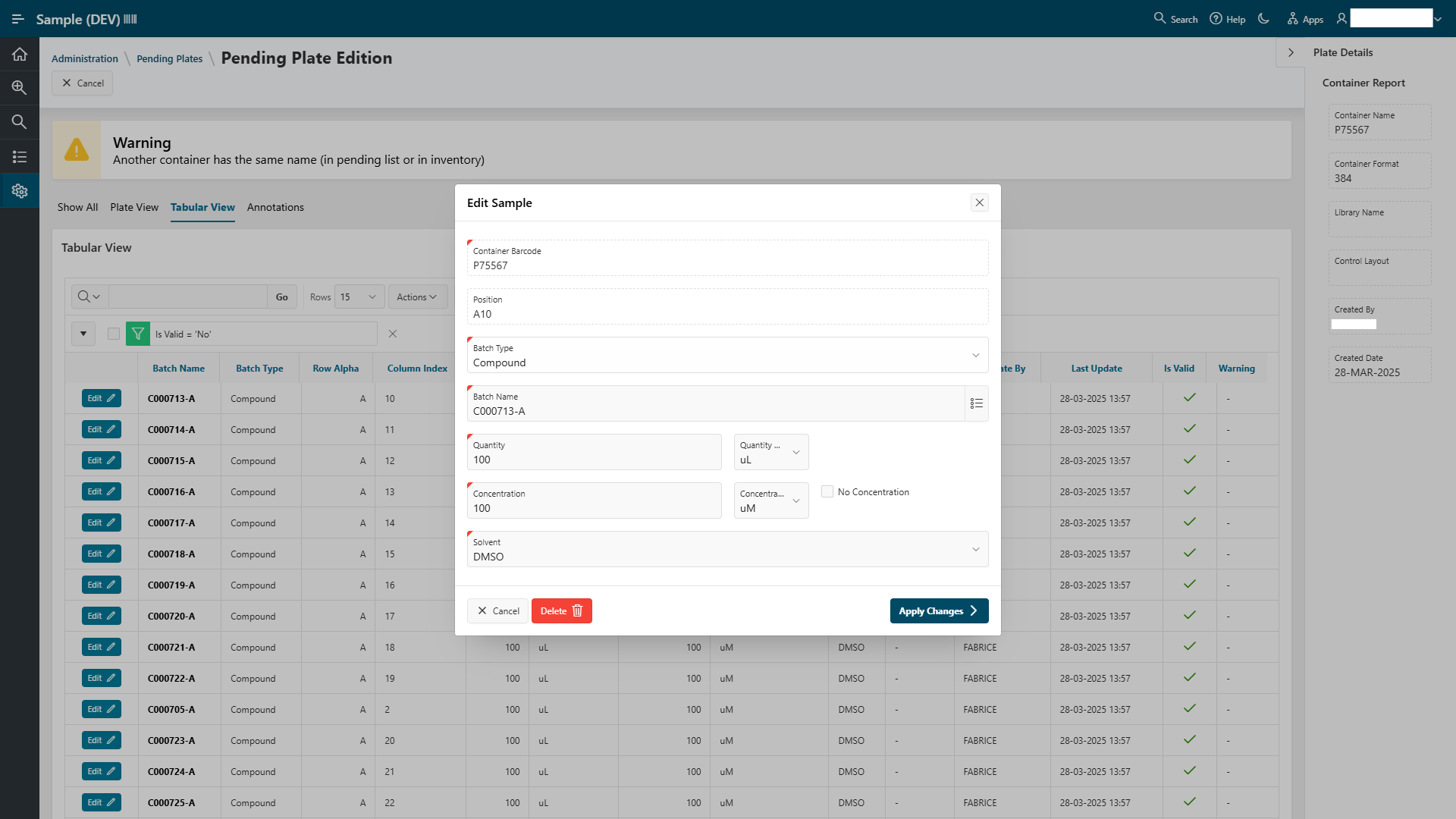
- Displays the content of the container: wells of a plate, vials within a rack, or the content of a vial.
- You can edit the content at the sample level by clicking the
Editbutton.
 - Annotations
- Lists any annotations added during registration. You can add or edit annotations by clicking the
- Annotations
- Lists any annotations added during registration. You can add or edit annotations by clicking the Edit Annotationsbutton. - These annotations will be automatically added when the container is received into Sample.
- Details