Rename the plates from a file
At the Plate Mapping step, if you need to rename the plates, you can use a file.
At the bottom of the page:
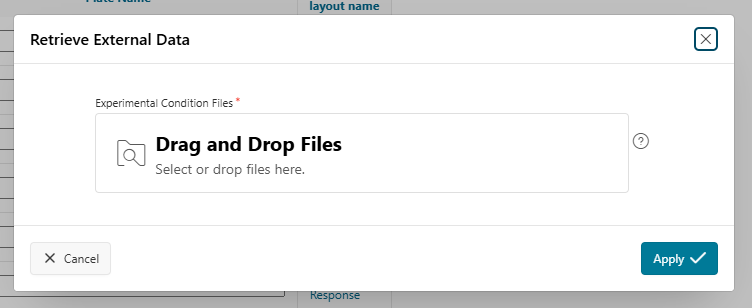
- Upload a file with two columns:
BARCODEandPLATE_INDEX. This file must contain a header for each column. - Choose a separator (e.g., Tab).
- Click the
Load Filebutton. - The plates will be automatically renamed using the barcodes included in the file.
Info
The preferred column names are BARCODE and PLATE_INDEX. If your file uses different column names, you will need to map the column names to the expected ones.